Equipment
Equipment Needed :

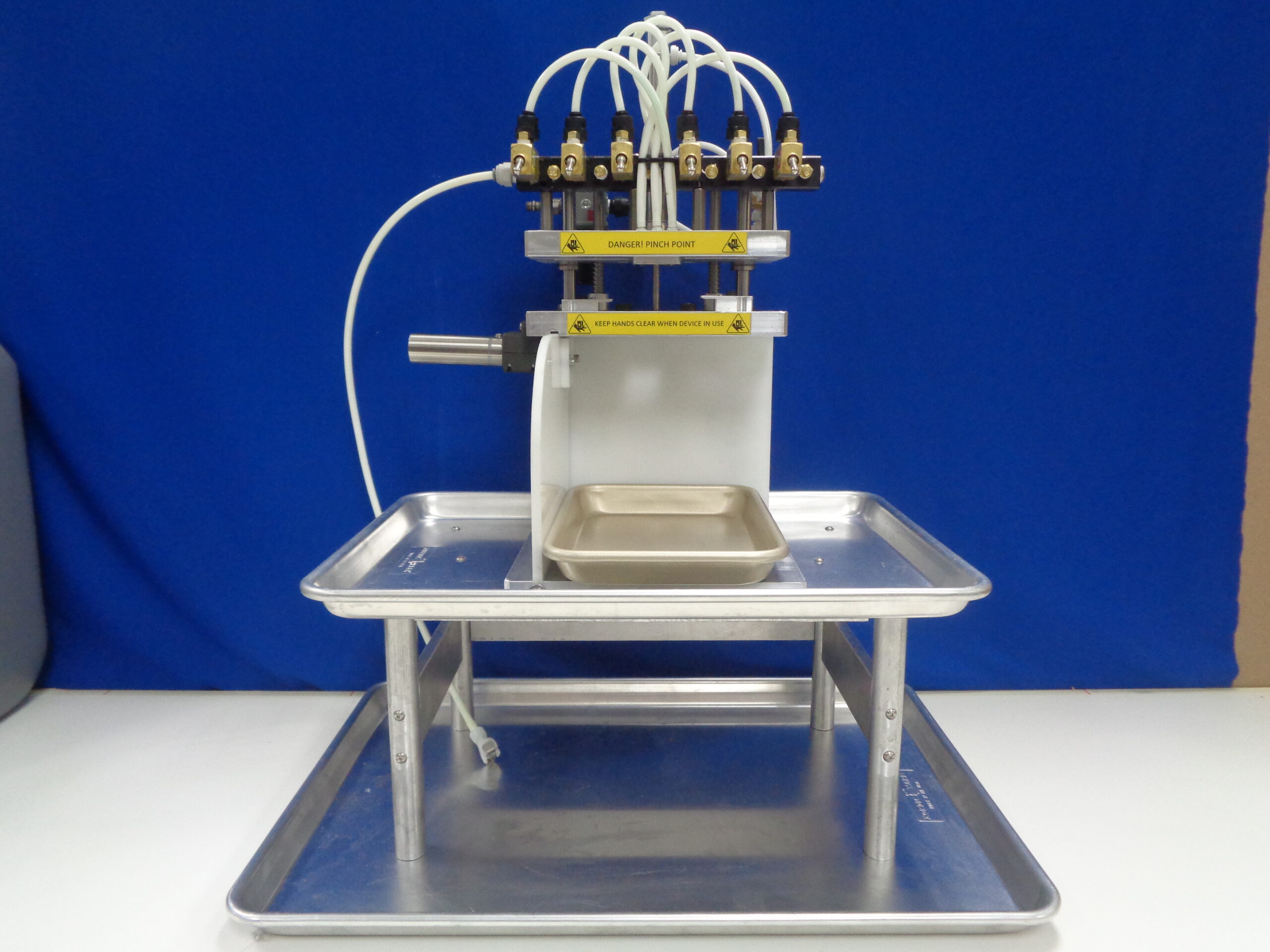
Flushing Rig with Stand
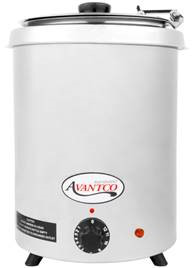
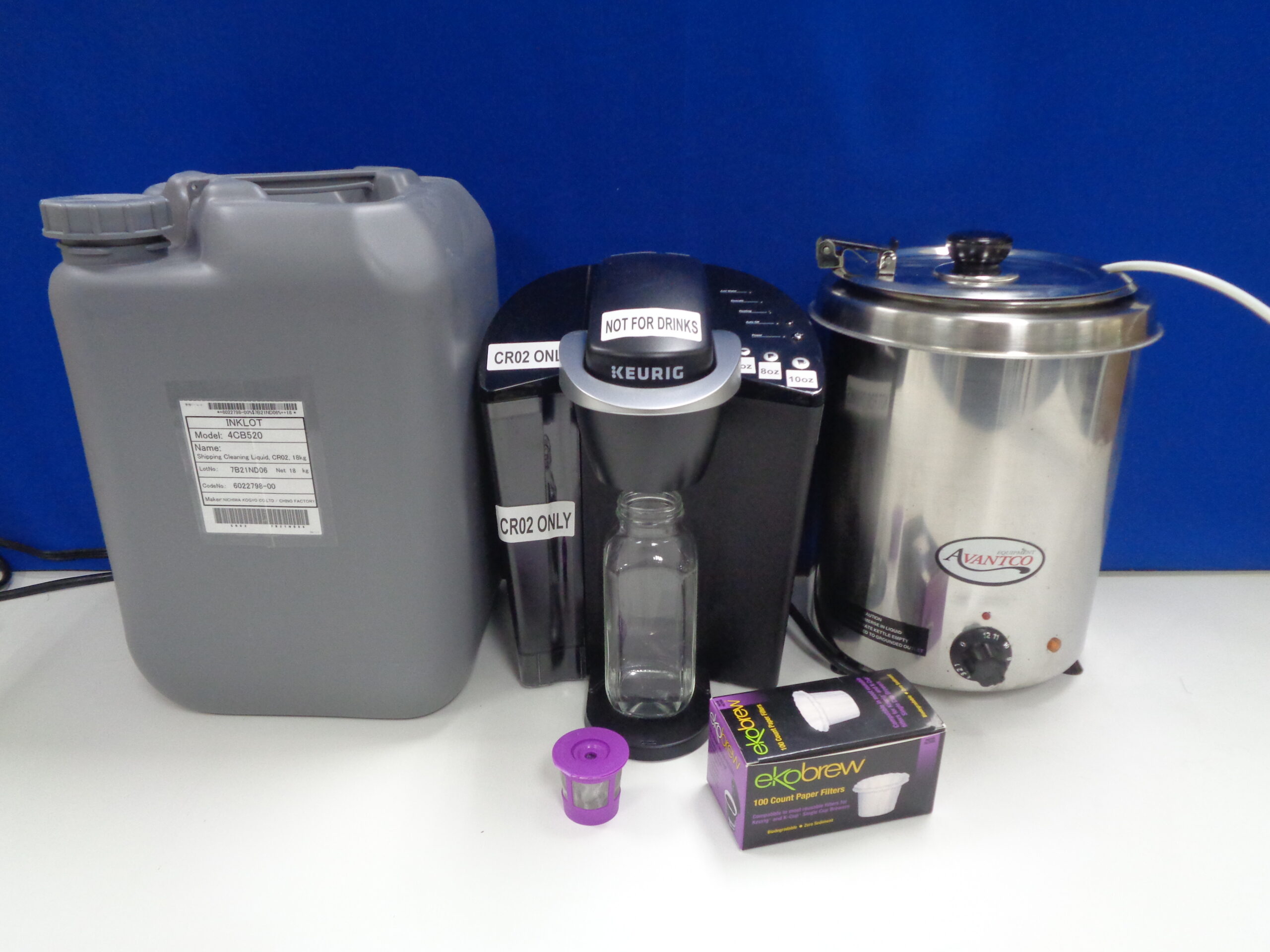
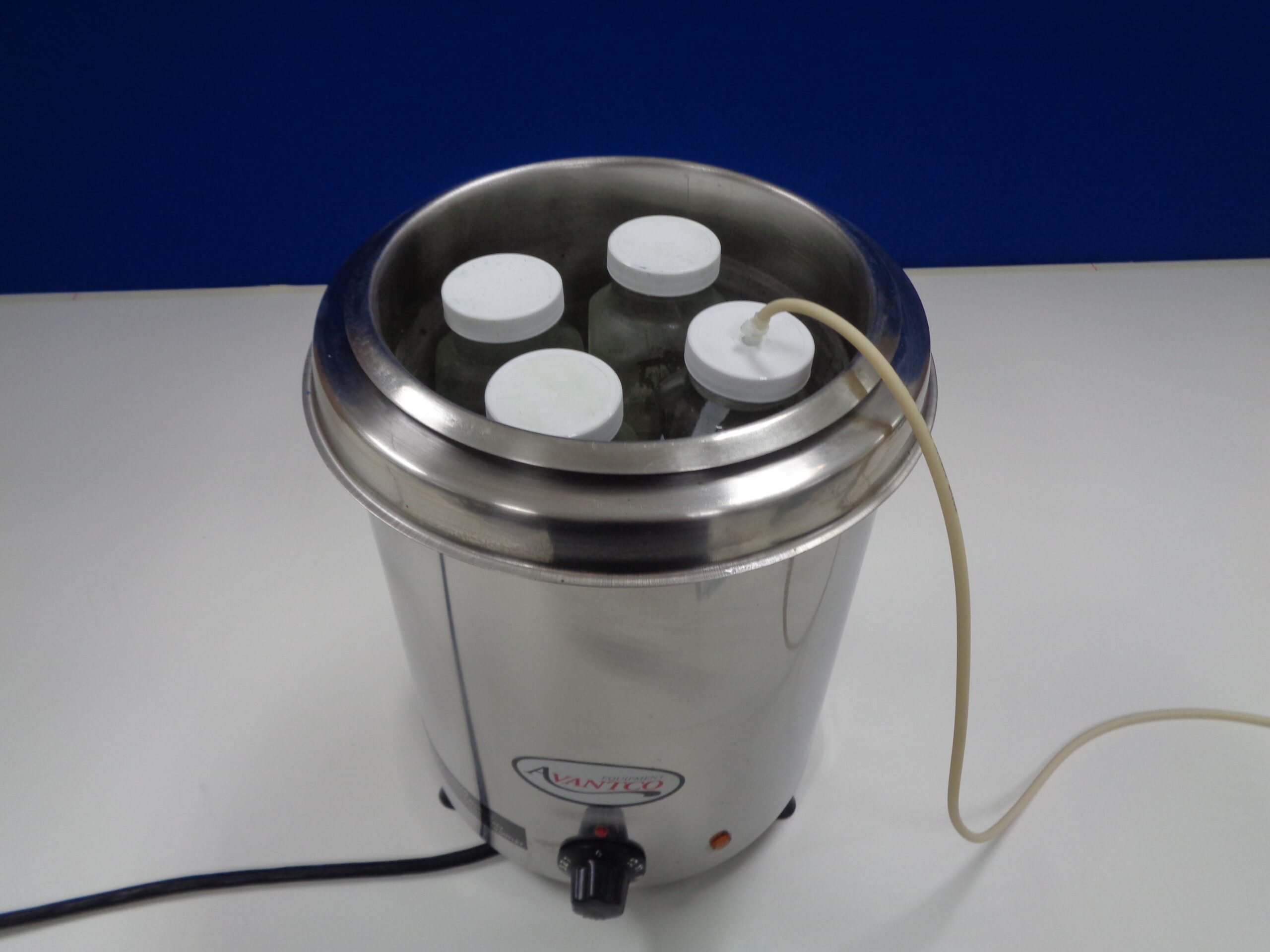
Soup Warmer
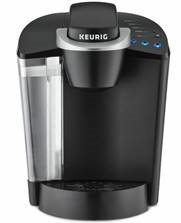
Coffee Maker (single cup)

Wide Mouth Bottle

Glass bottles
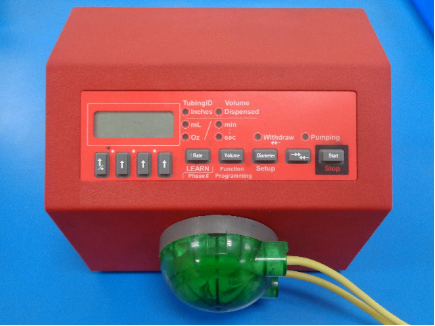
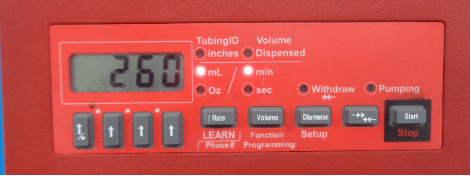
Peristaltic Pump
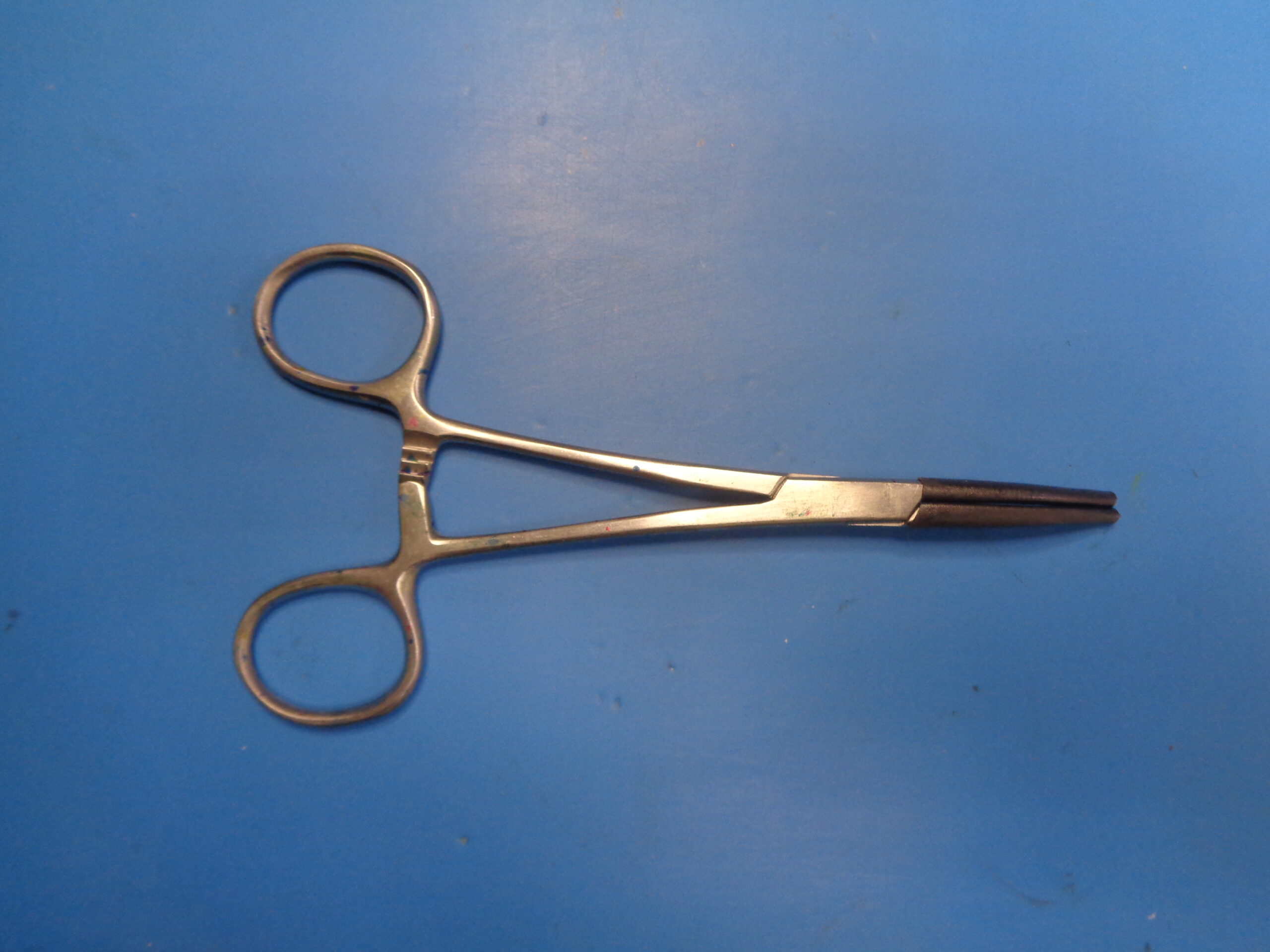
Padded Hemostats
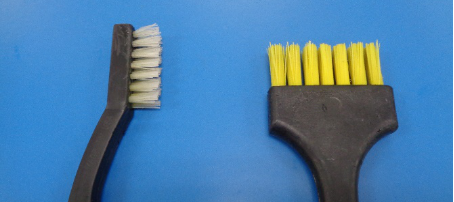
Soft Bristle Brush
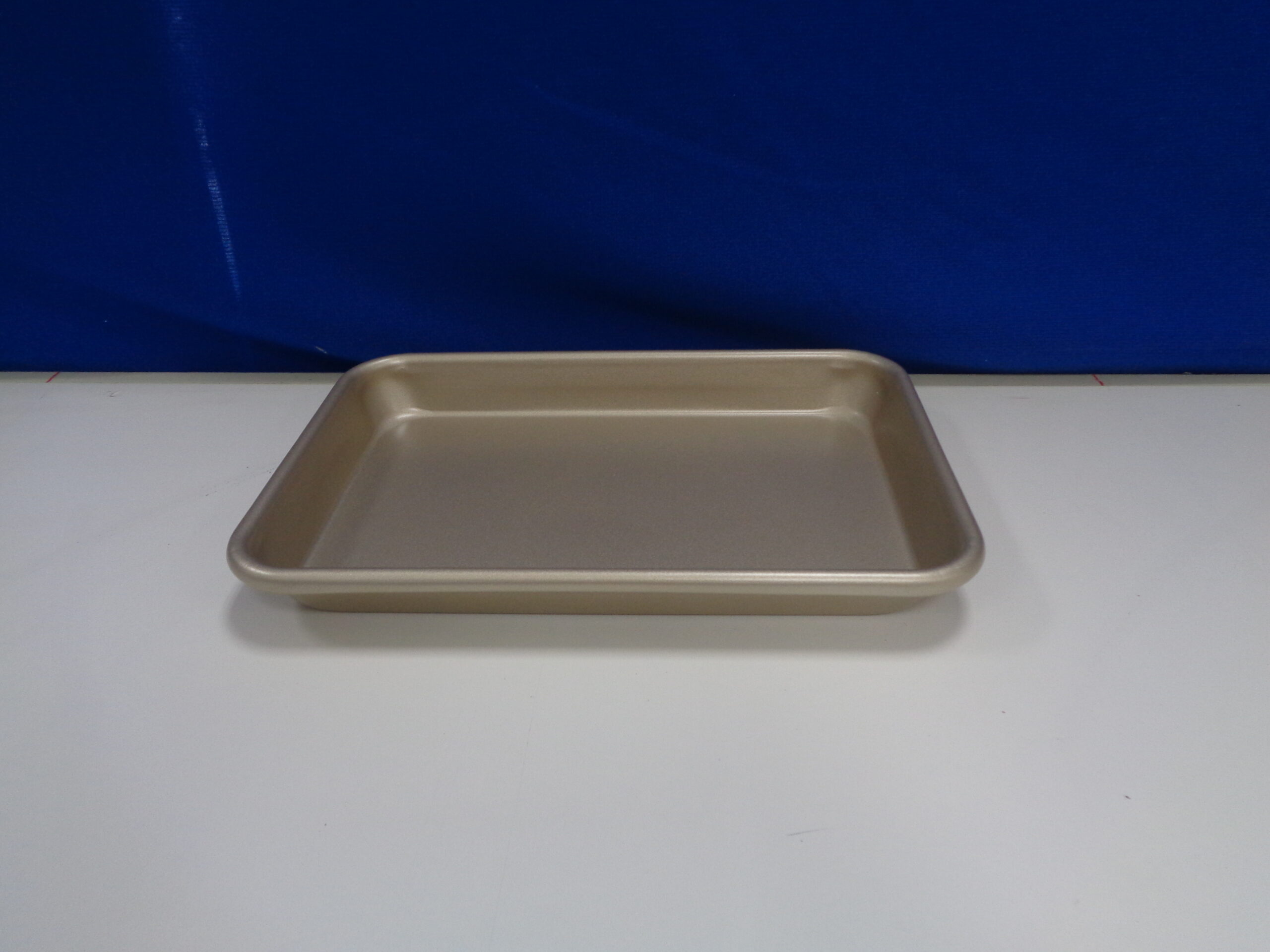
Small Tray
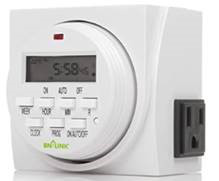
Programable Timer
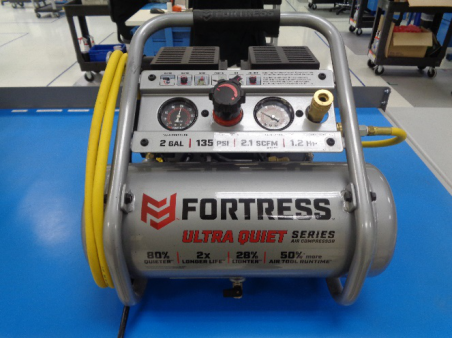
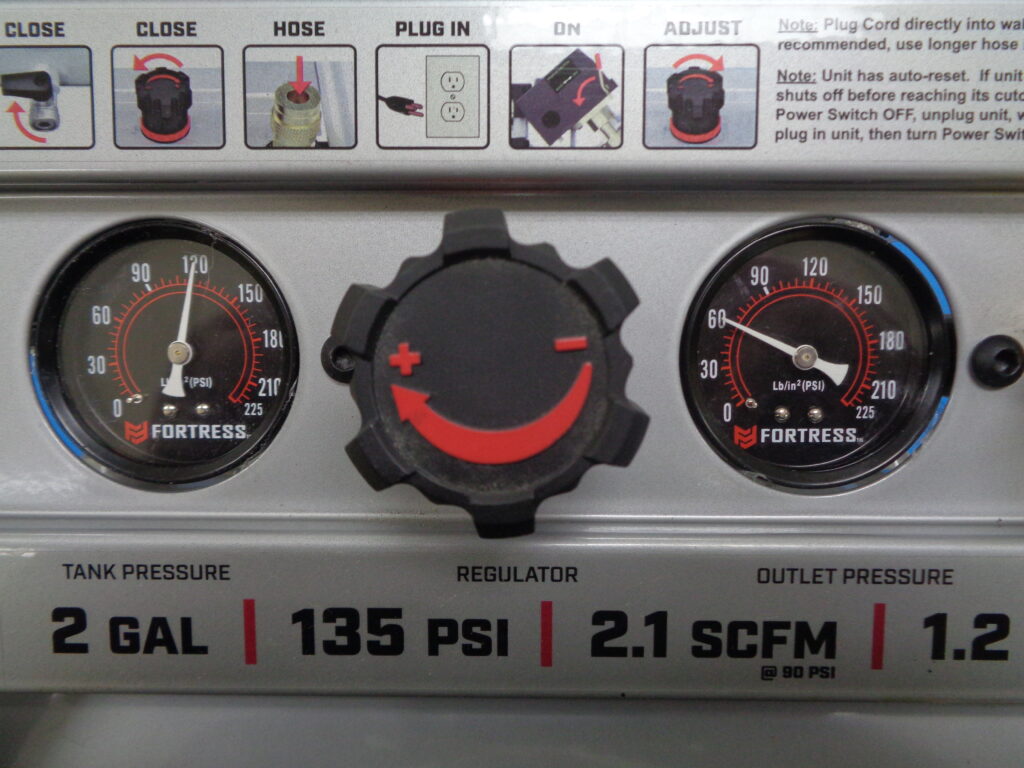
Air Compressor with hoses and regulator
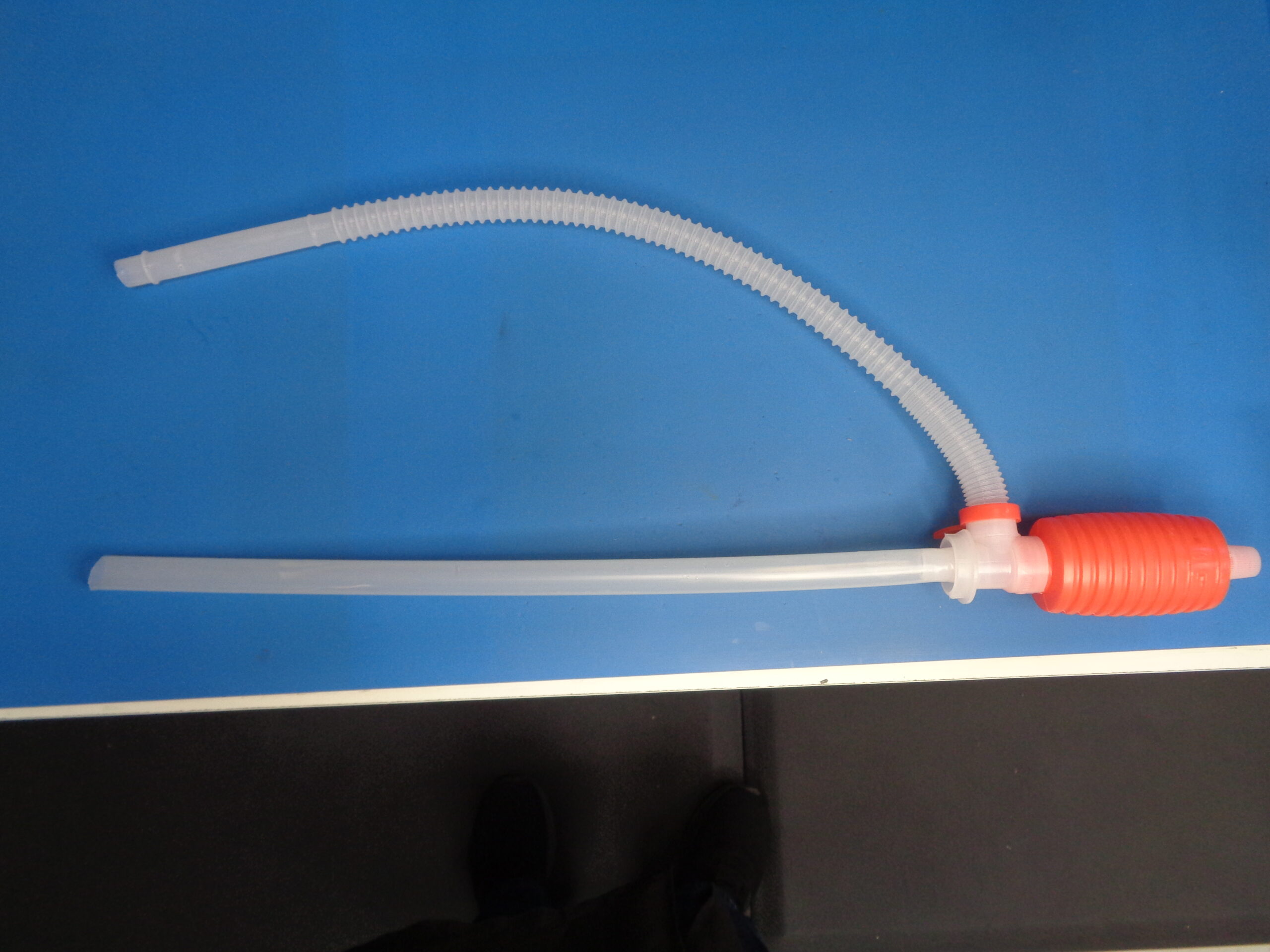
Hand Syphon Pump
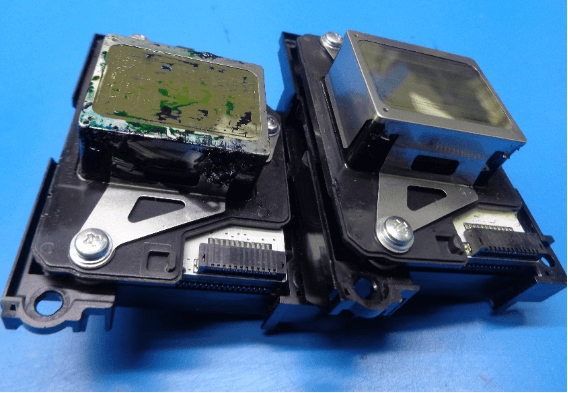
Supplies Needed :

Print Heads

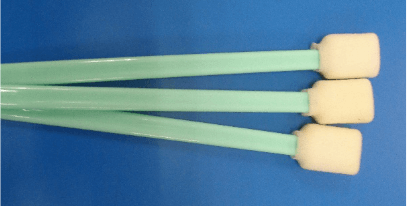
Foam Tipped Applicators

Plastic Scraper Blades
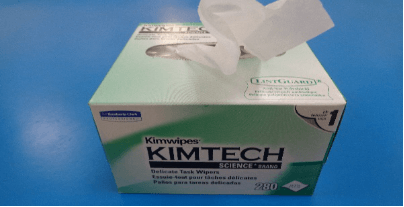
Lint-free Wipes
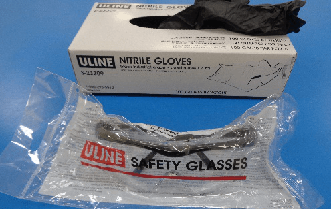
PPE (Gloves, Goggles, etc.…)
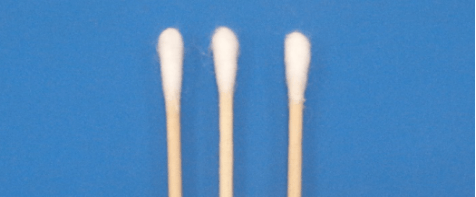
Cotton Tipped Applicators (shield only)
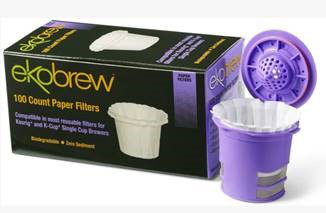
Coffee Filters (single cup)
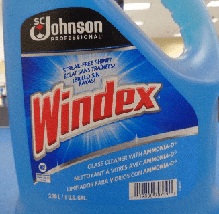
Windex (with ammonia)
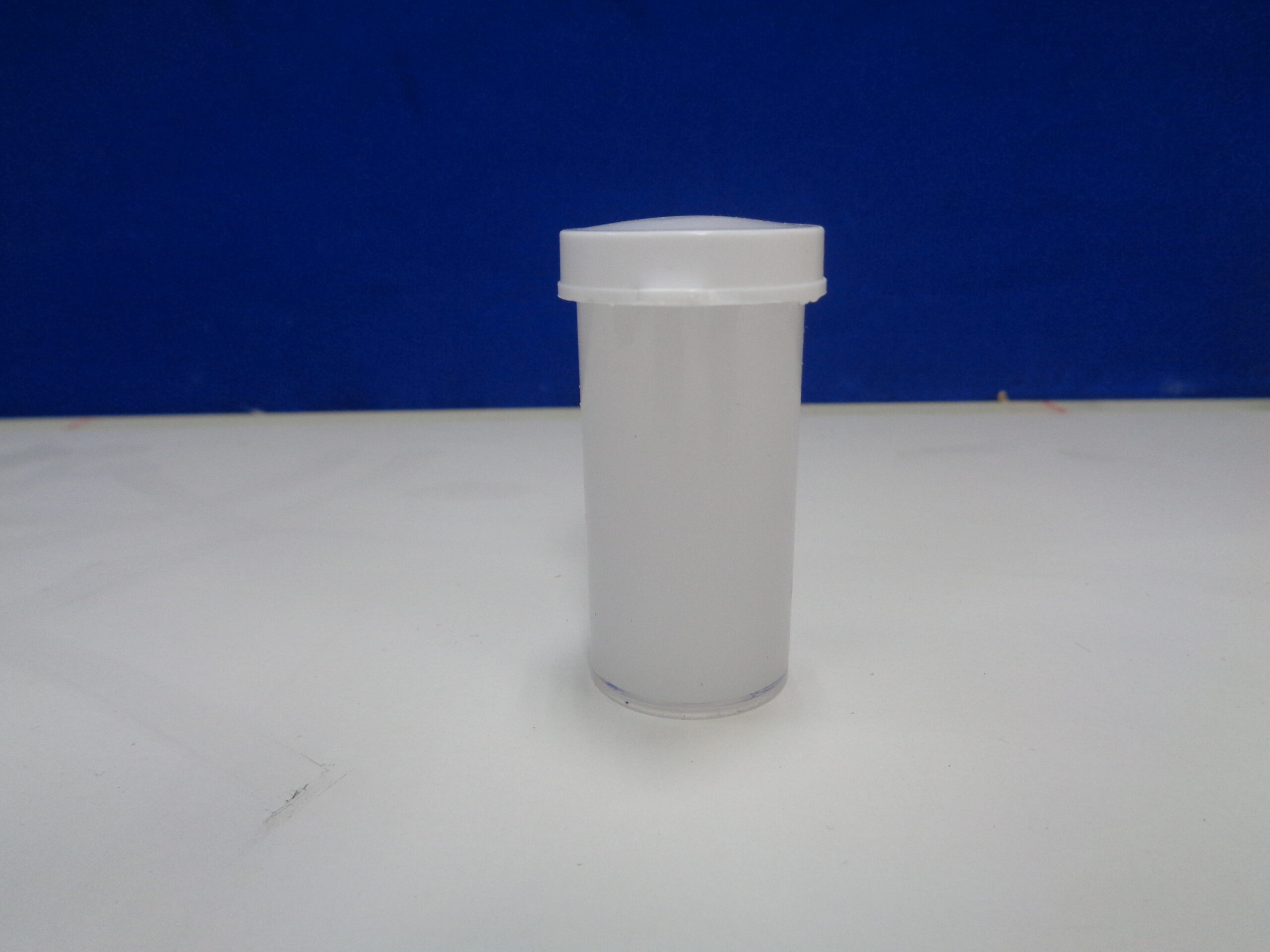
Peristaltic Grease
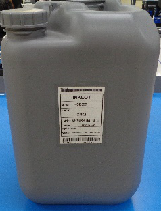
CR02
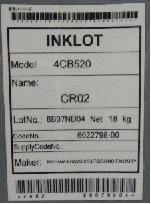
CR02 Label
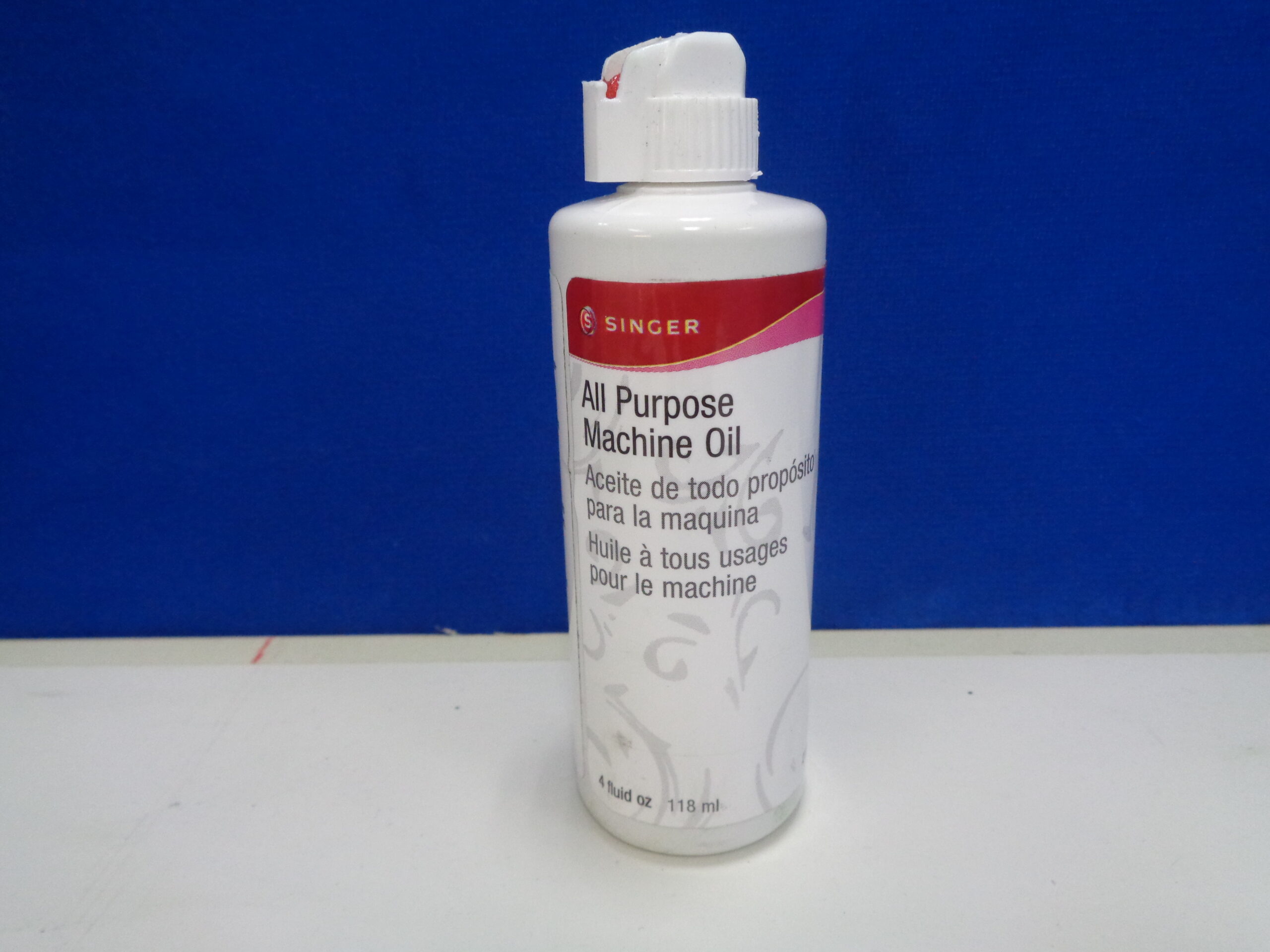
All Purpose Machine Oil
Outline
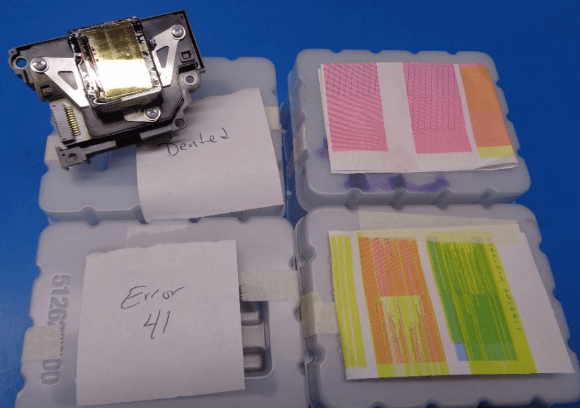
- It is helpful if printer repair technicians include a printout and/or notes when changing out a problematic print head. Heads that have physical damage to the gold colored print surface, electrical problems (41/42/43 errors), or other easily identifiable problems (overspray) should not be directed to the refurbishment process.
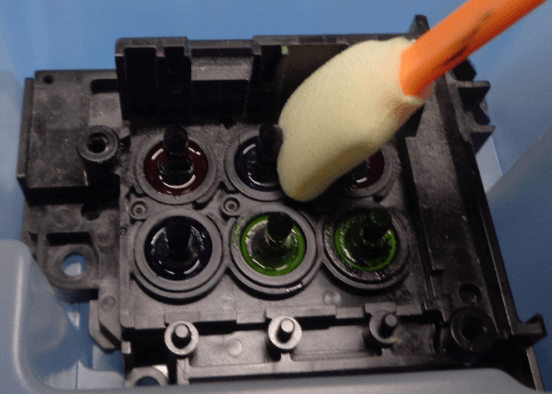
- Refurbish Tech does a "once over" cleaning on heads to be refurbished. This is not an in-depth cleaning, it is just enough to identify possible damage and prevent the rig from becoming overly messy. (Not required on all heads)
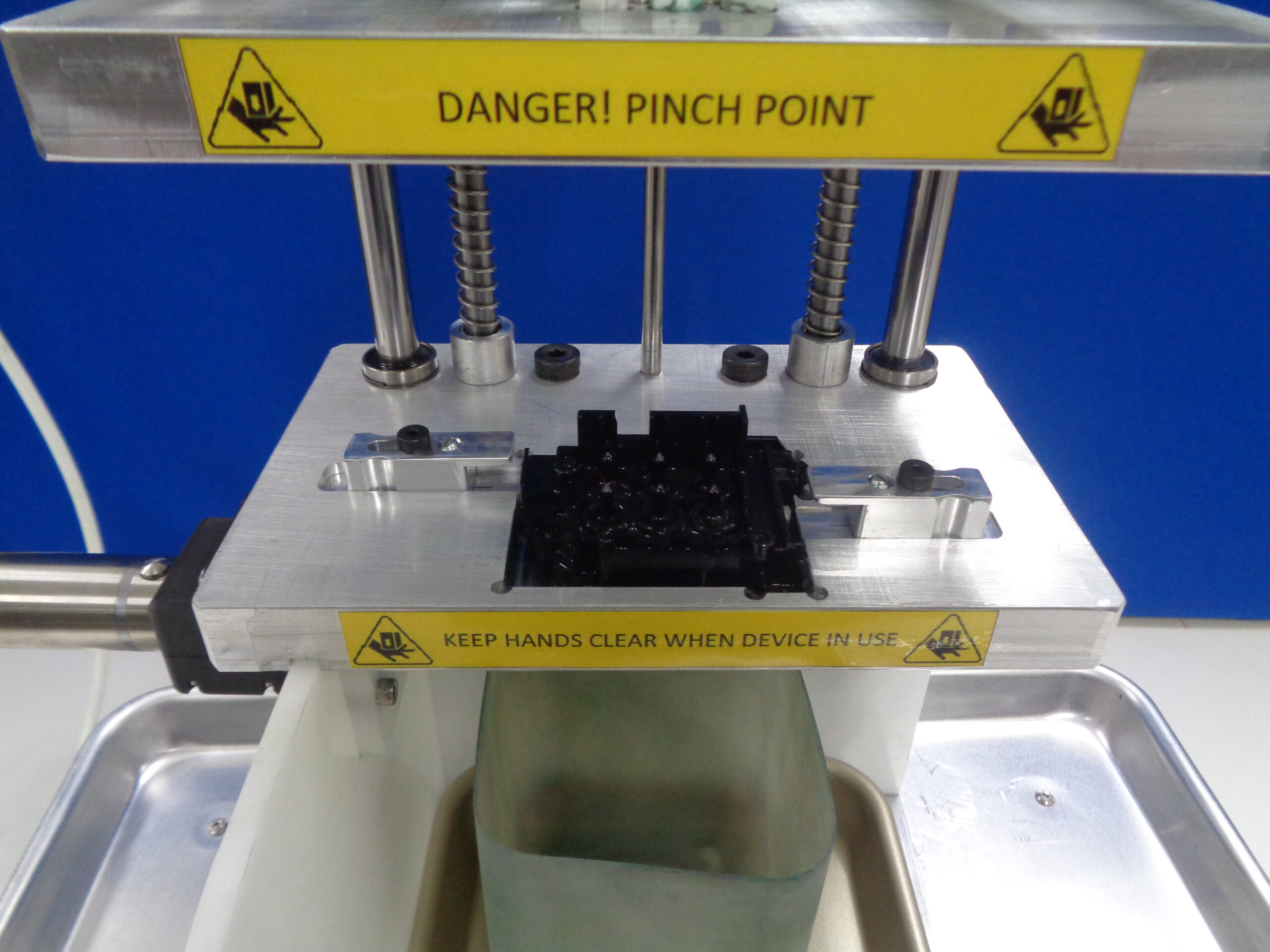
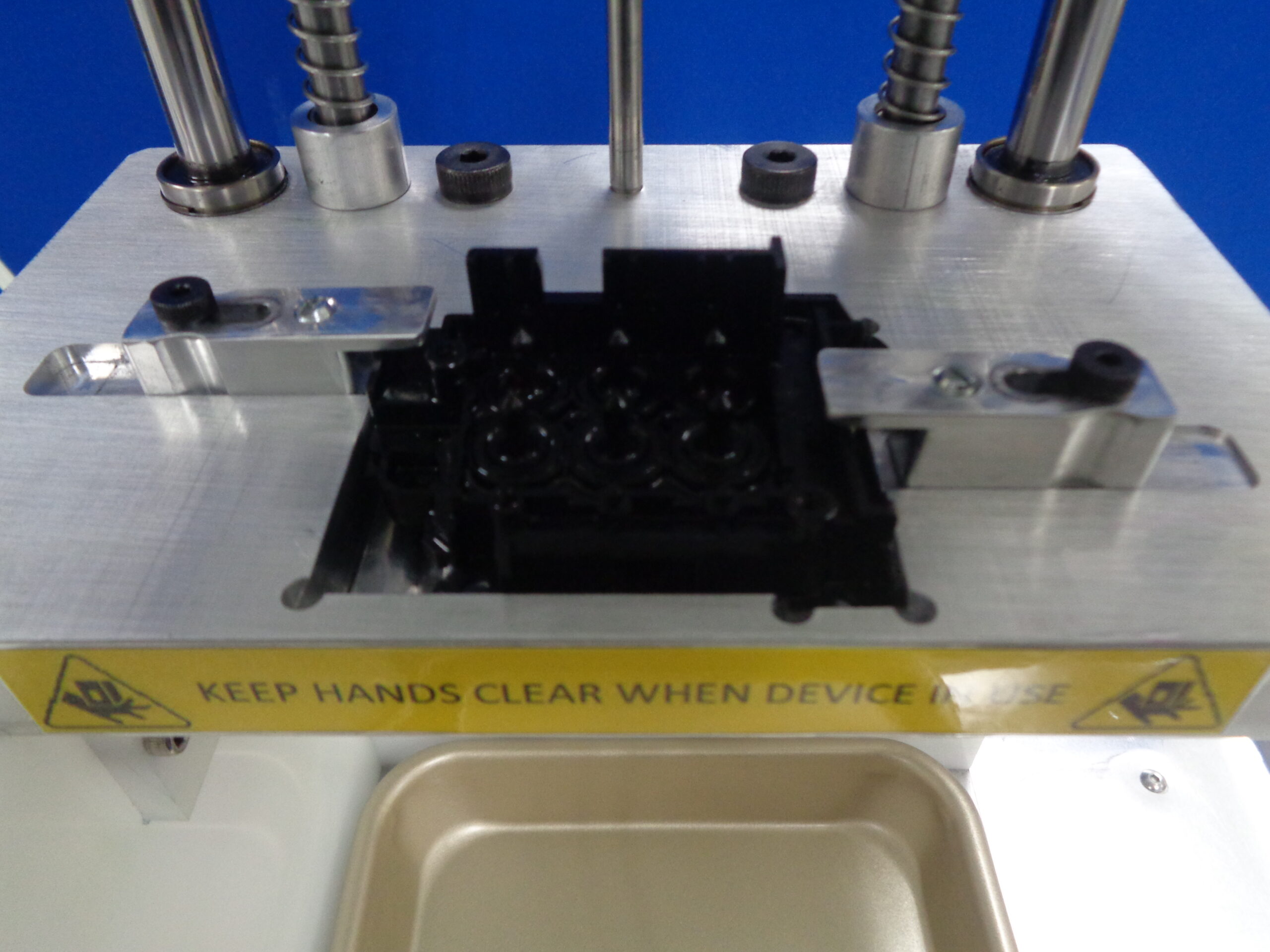
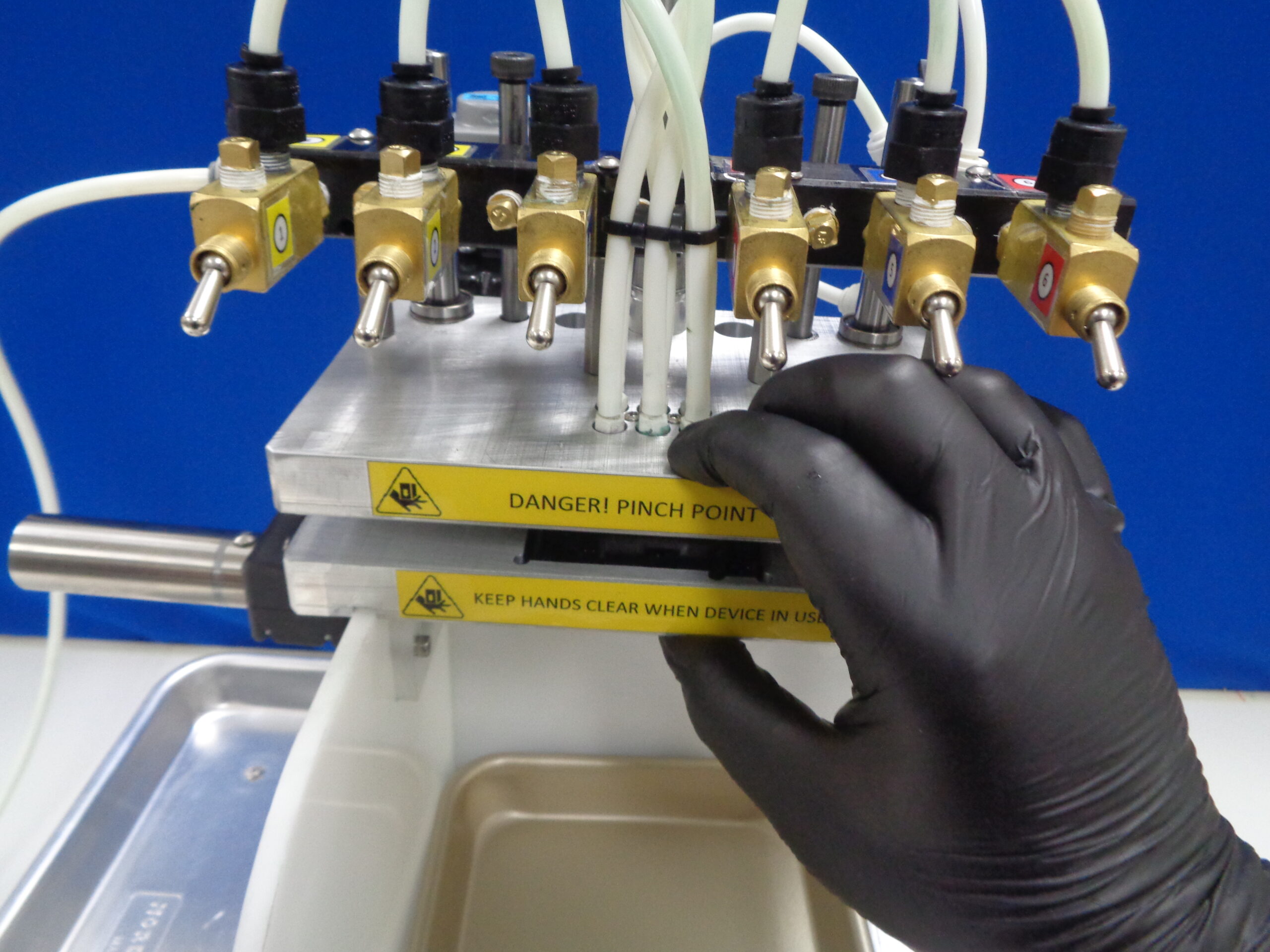
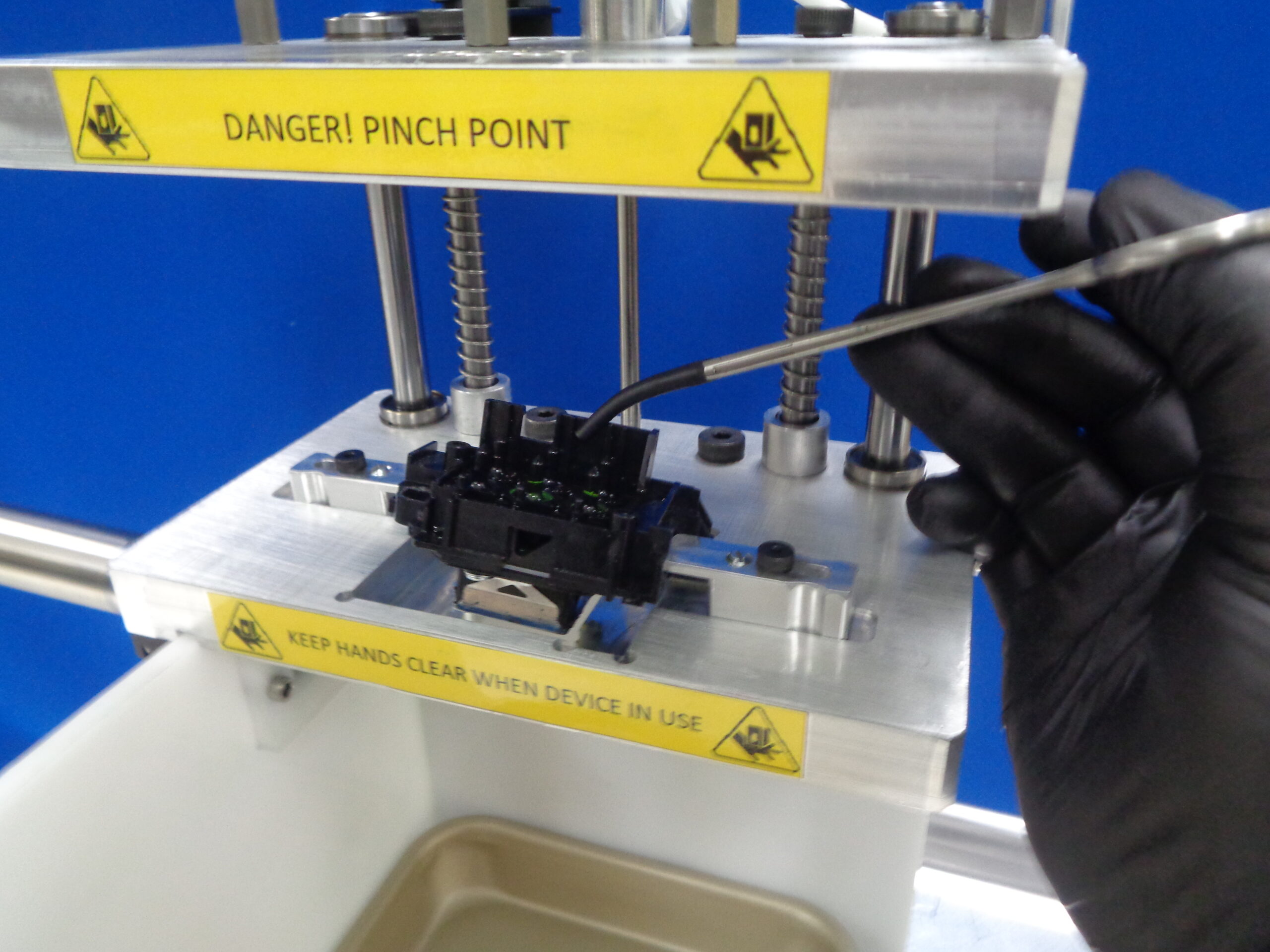
- Refurb Tech installs head into rig, locks it down, and seals plates together. Padded hemostats can be used to hold the short wall of the head to install it in this tight space. Do not use the padded hemostats to grab the nozzles!
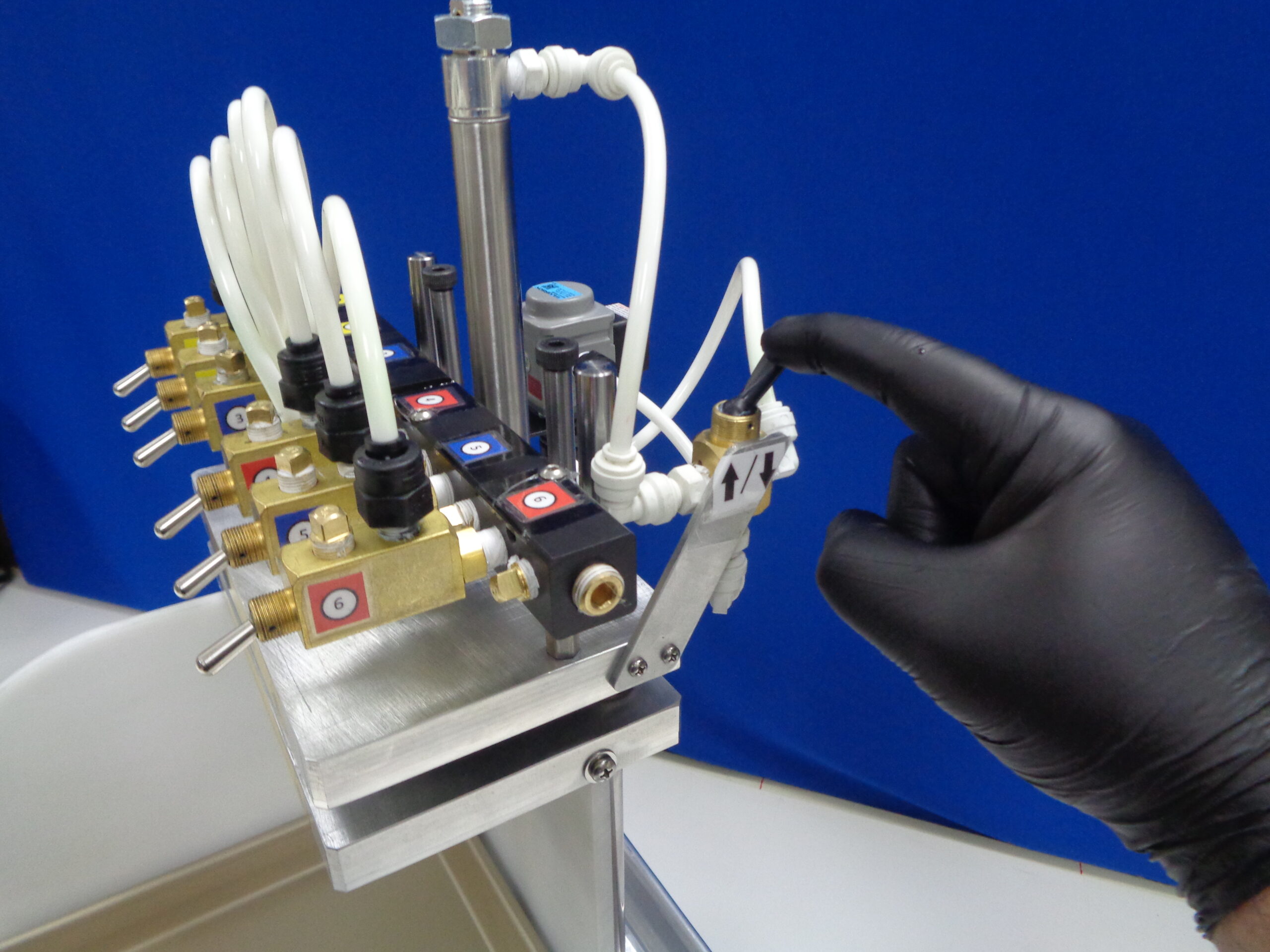
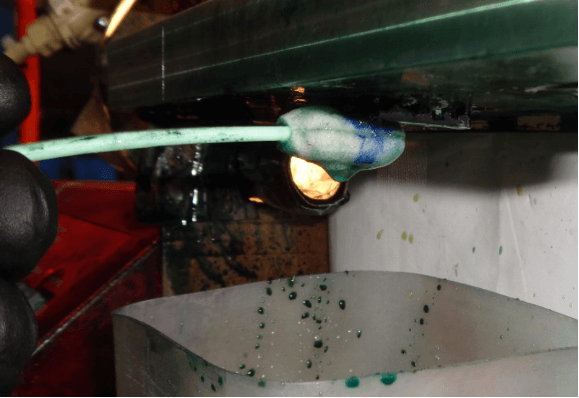
- Pump is turned on and the valve to the first nozzle is opened. Visual inspection of the underside of the head while fluid is flowing will determine if obstructions are present. Pump runs for 30 sec to 2 minutes depending on nozzle clarity. If there are deflected and/or missing streams, a foam tip applicator can be used to gently scrub the surface at the streams exit point.
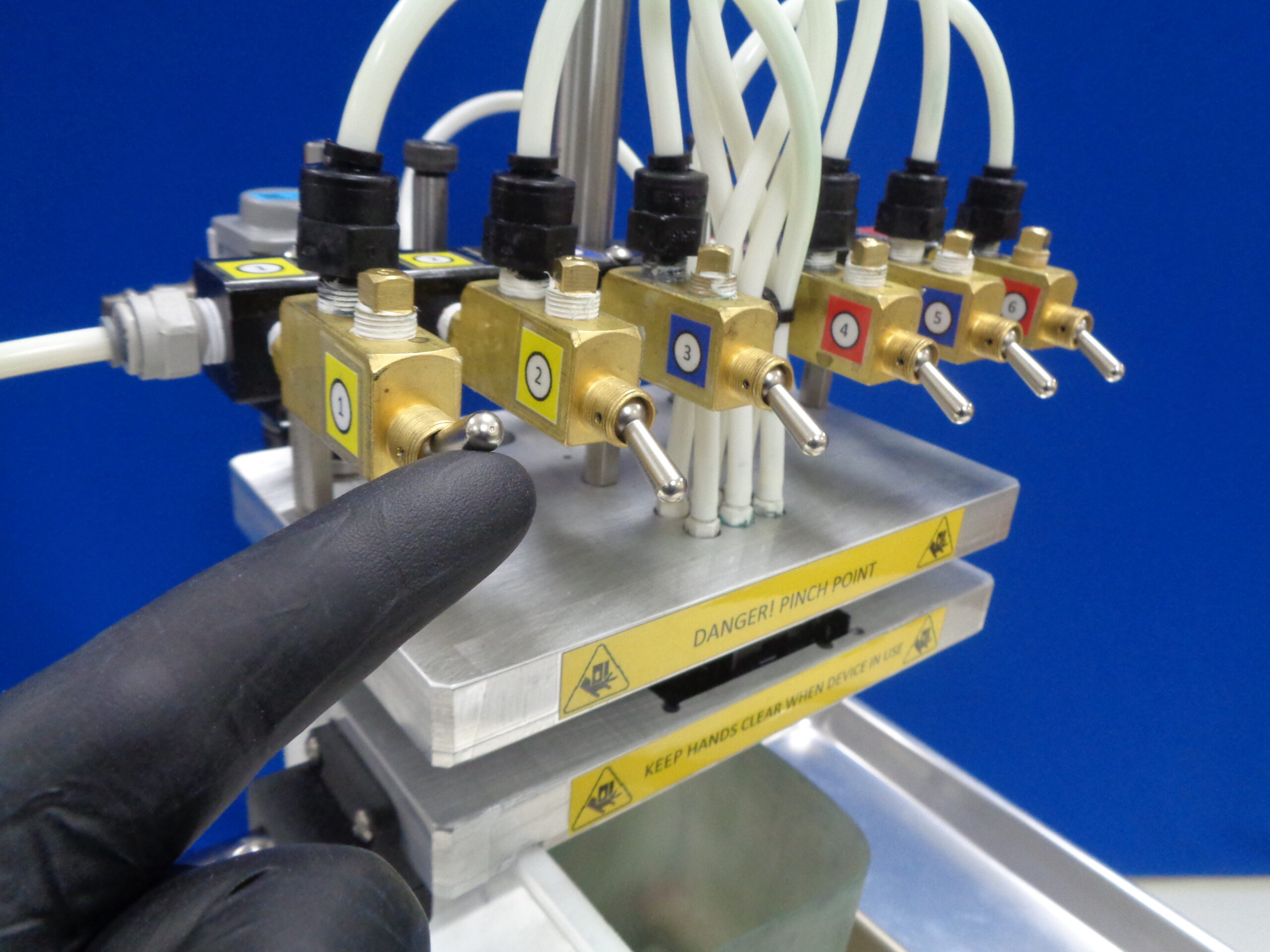
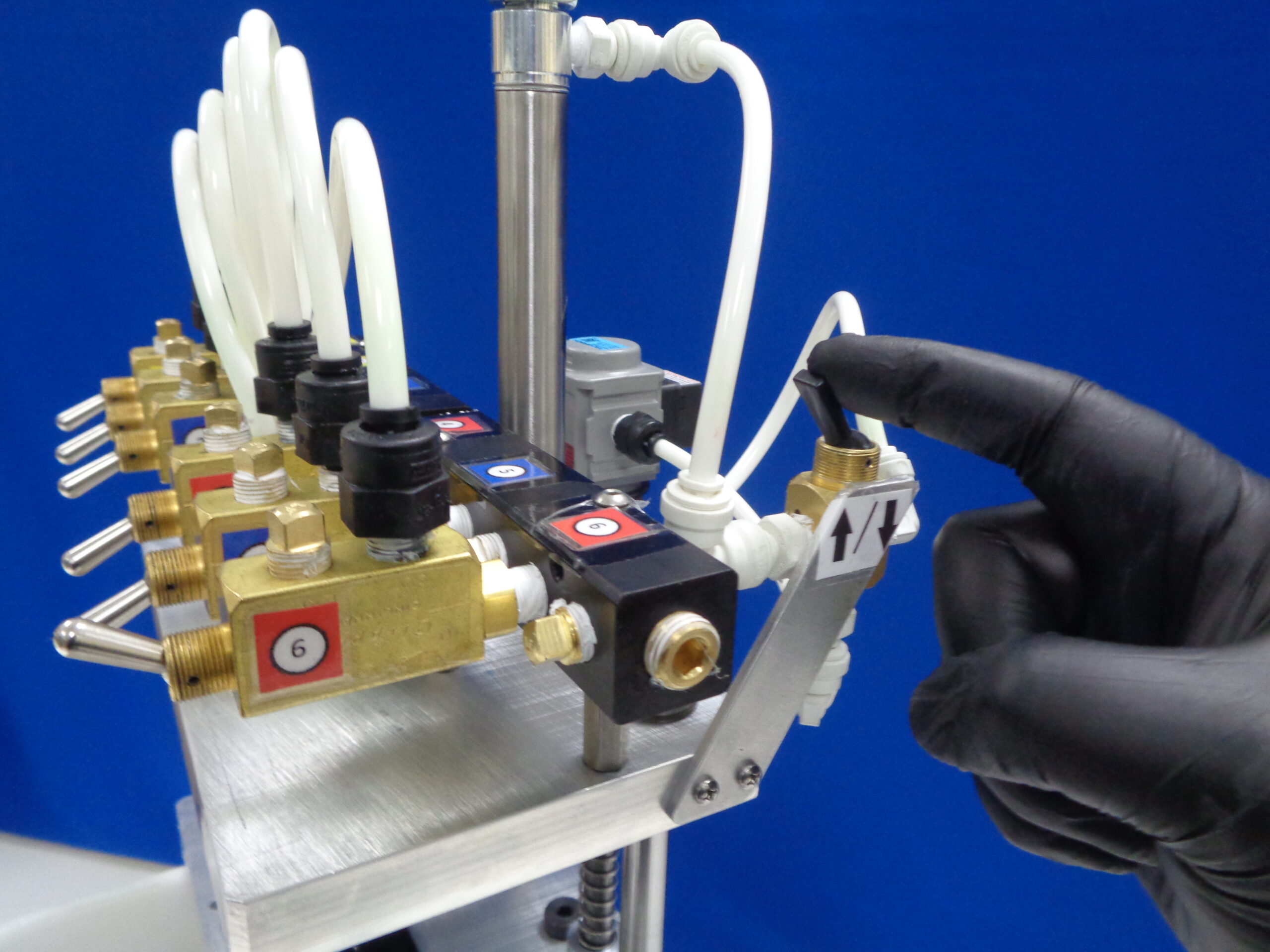
- Valve for the first nozzle is closed and the valve for next is opened.
- Repeat process for each of the 6 nozzles.
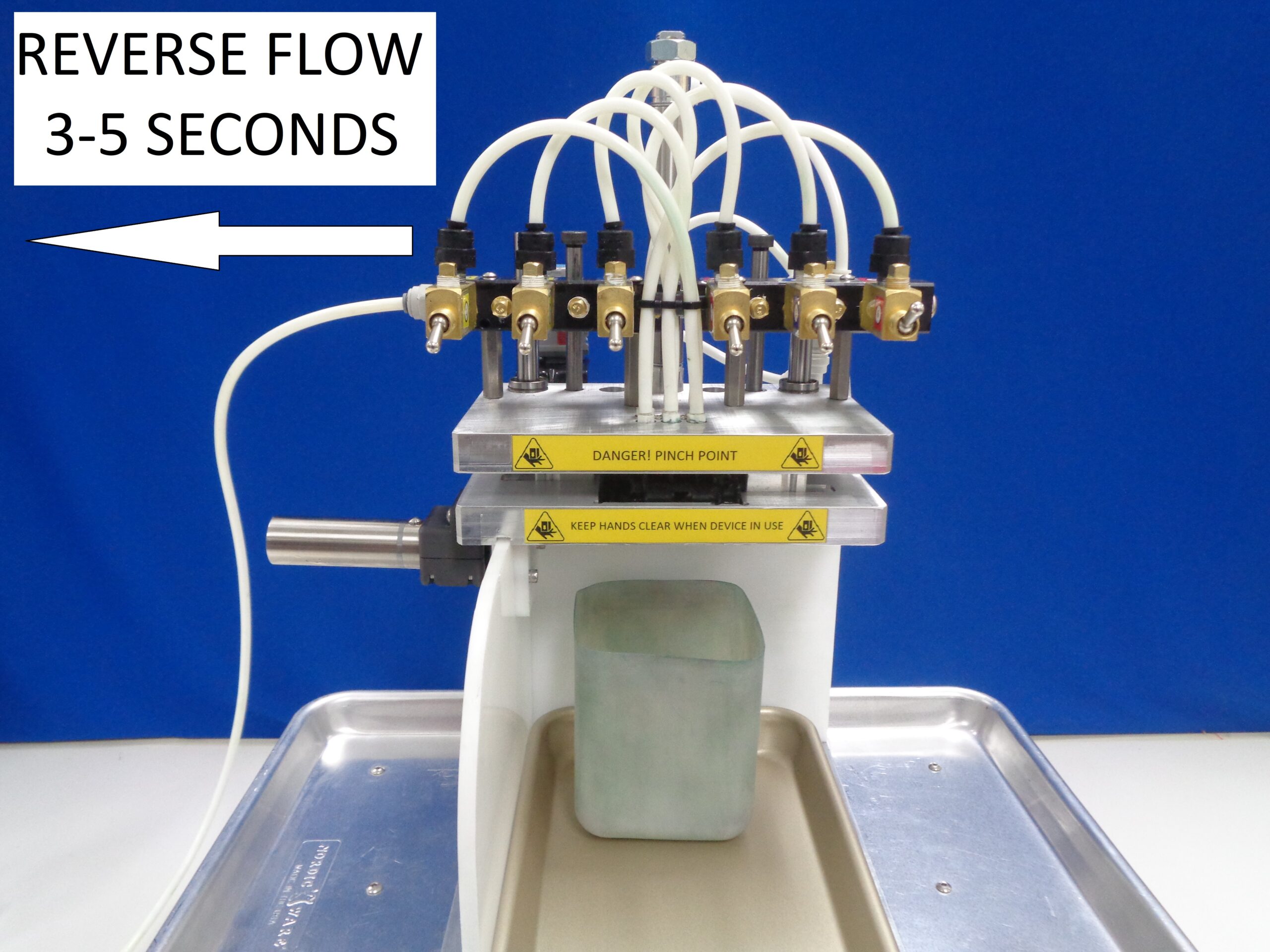
- Before removing the head from the jig, reverse the direction of flow and operate the pump for 3-5 seconds on each nozzle. This is to remove the positive pressure from the system and prevent CR02 from leaking out when the rig separates from the head. Failure to comply with this step can cause fluid to spray onto the internal electronics of the head and burn it and/or the main board of a printer out when it is installed!
- If each nozzle finishes with no obstruction or damage, head is removed from jig and goes to the next process. Heads that continue to have minimal problems can be set aside to receive further attention.
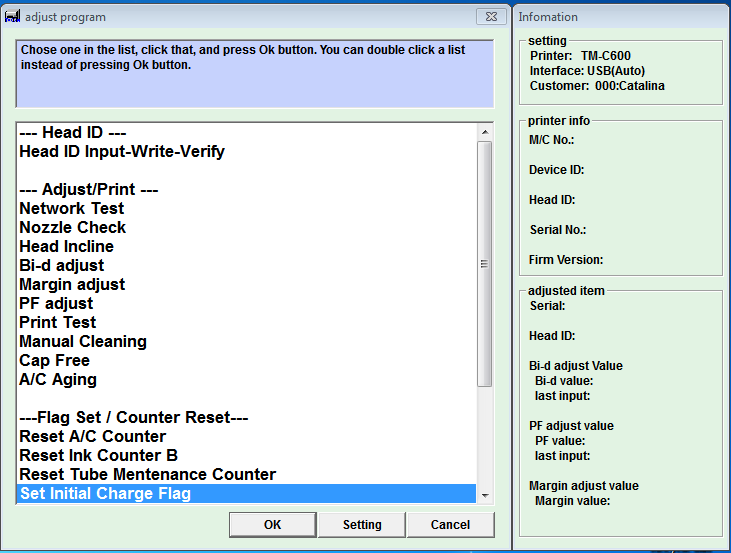
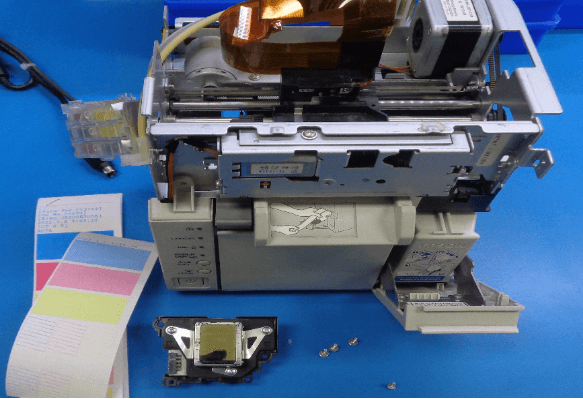
- Print head is installed into a tester printer. By resetting the Initial Charge Flag, an initial charge can be performed. This will remove all the CR02 from the head and replace it with ink. When the charge has completed, a nozzle check is printed out. If the nozzle check is good, a final test print is done. If the final test print is good, the head is removed from the printer and goes to the next process.
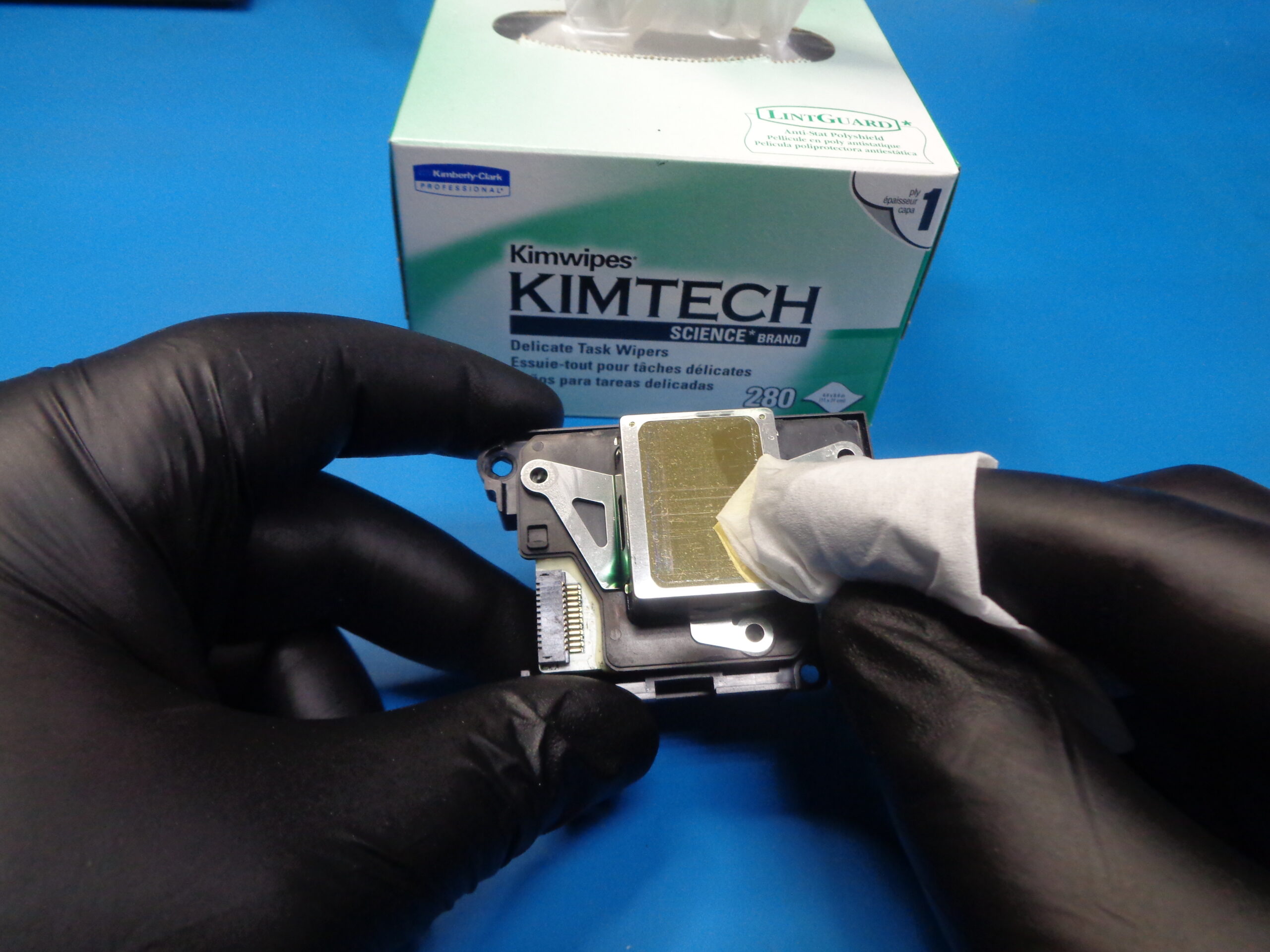
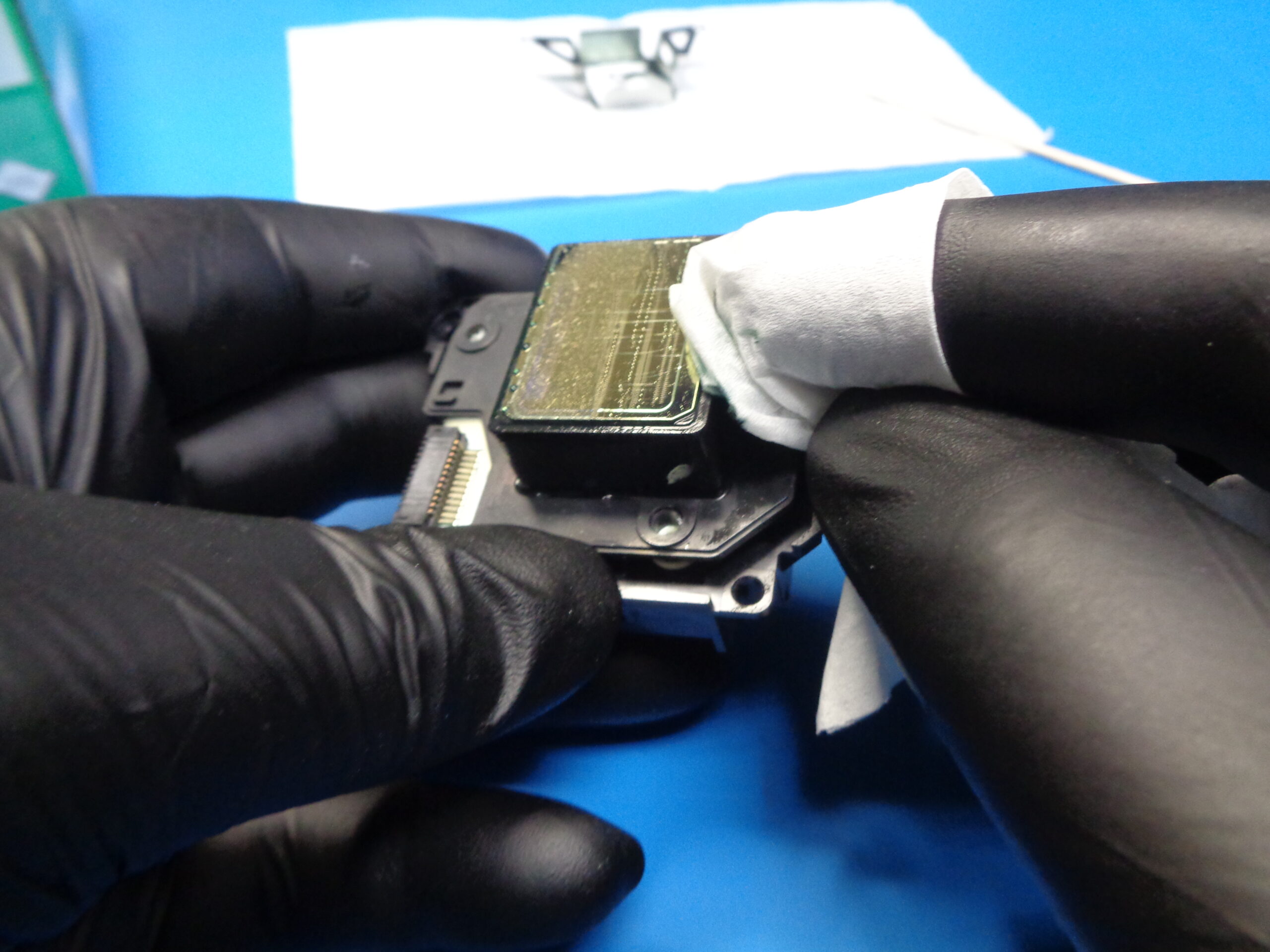
- Good print heads are cleaned thoroughly. A plastic scraper can be used to remove larger dried ink deposits while a lint free wipe and CR02 can be used to wipe down delicate printing surfaces. The top side of the head can be cleaned using nylon bristle brush, lint free wipes, or foam tipped applicators. Typical t-shirt rags and/or cotton tip applicators are not recommended as they can introduce particulates and fibers that can clog the print head.
- Once the head is cleaned, a serial label is applied near the FPC connector. The head is then put into and "eggshell" package followed a plastic bag. The bag is sealed, head is stored, and serial number documented.
Setup
Soup Warmer
- Soup Warmer is plugged into Programable Timer and set to come on approx. 1 hour before workday start and go off near end of workday.
- Temperature should be set to approx. 190 F (88 C).
- Soup warmer should have a double boil setup where water is in the pot and containers of cleaning agent are in the hot water
- Glass containers are recommended for cleaning fluid as plastic will become brittle over time with repeated heating/cooling.
Peristaltic Pump
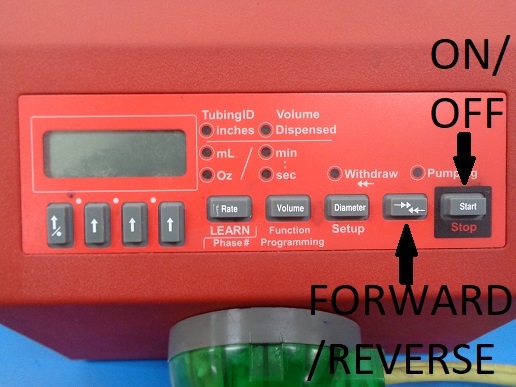
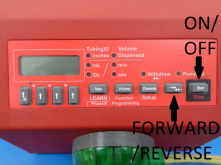
- Pump display is set to volume/time.
- Output of fluid is set to 260 mL/min (This number can be set higher but runs the risk of “blowing out” the head. 350 mL/min is the soft upper limit, exceed at accelerated risk to print head)
Air Compressor
-
Follow directions for the air compressor for the first-time startup. Once it is powered up, adjust the OUTLET PRESSURE to 60 psi
CR02 Filtration
- Coffee maker reservoir should be kept at least half full.
- Filter and holder are inserted and remain empty
- Filter should be changed daily
- Two cycles using the 8 oz setting will fill one glass bottle
- Lids are kept on bottles when not actively being used to prevent dust contamination
Refurb Instructions
Pre-Refurbish Setup :
- Identify Workable Print Heads
- Print heads that have damage, electrical problems, or other obvious failures should not be used.
- Having techs label bad units (dents, 41/42/43, “overspray”) will help remove non-workable heads.
- Do a light pre-clean to identify damage and prevent messes
- Paper scraps and ink buildup can block nozzles from flowing properly. Very dirty heads may hide problems that would make working on it a waste of time.
- Save the plastic box, it will be used later.
Flushing the Head :
Insert the head into rig :
- Carefully place the print head into the opening in the middle plate of the rig
- Slide the locks to secure the head.
- Flip the switch to lower the plate
- Give it a squeeze to be sure of a good seal
- Watch the installing a PH video
Flush each nozzle :
- Turn on the pump
- Open first nozzle
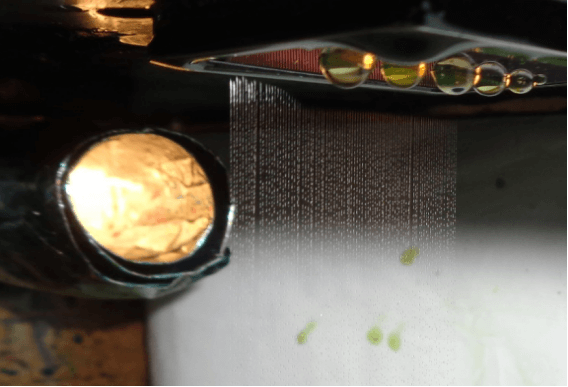
- Watch below the head for fluid stream
- Watch the changing which valve is open video
- If only a small number of nozzles will not work properly, set that head aside for further attention.
- Heads that have been set aside can be tried again after a short time (a couple hours, maybe overnight)
- The CR02 can soften ink deposits while it sits and can possibly flush out on the 2nd try.
- Windex (with ammonia) can be used as a stronger cleaner, but should be reserved for only the most stubborn heads.
- Gently scrub with a foam tipped swab if streams are not straight or missing
- Watch the scrubbing video below
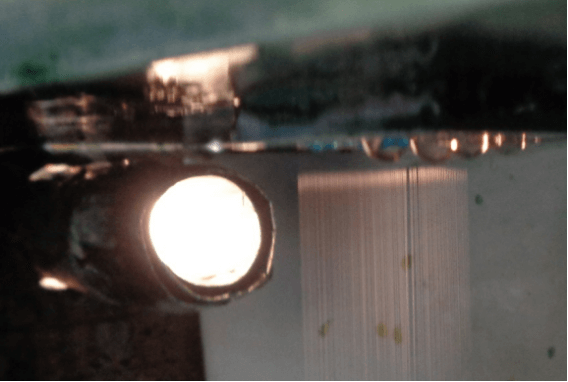
- This is an example of deflected nozzles. These can be set aside and tried again later
- Watch the bad head video below
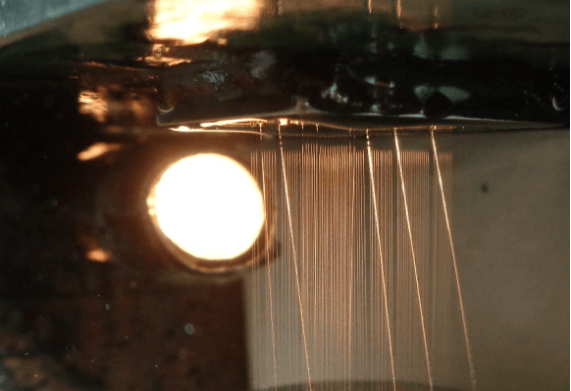
- This is an example of a good head. Notice the fluid streams are straight and parallel
- Watch the good head video below
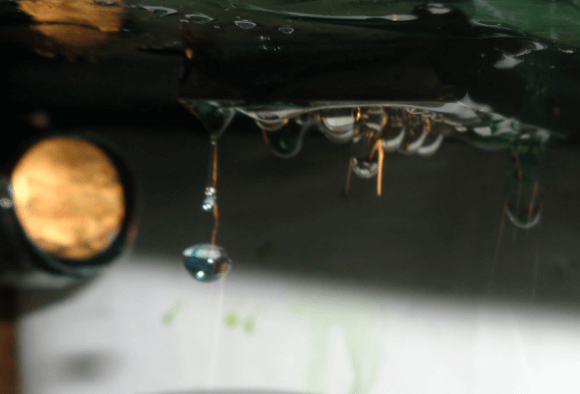
IF FLUID IS COMING OUT IN LARGE DROPS, THE HEAD IS DAMAGED INTERNALLY AND CAN NOT BE RECOVERED!
- This is what we call a “blowout”. The internal membranes inside the head are damaged which allows fluid to mix from different input nozzles
- Watch the blowout video
Repeat process for nozzles 2-6![]()
Head removal process :
- Reverse the flow of the pump. (Turn off, change direction, turn back on)
DO NOT SKIP THIS STEP!!
IT CAN DAMAGE THE HEAD/PRINTER!!
- Cycle through each nozzle pausing for 3-5 seconds on each
- Make sure all valves are in the closed position before opening plates
- Turn off the pump
Watch the reverse flow for removal video below
Remove the head :
- Flip the switch to open the plates
- Release the tabs to unlock the head
- Gently lift out the head using padded hemostats but again, don’t grab the nozzles
- Good heads move to next step, bad heads are discarded
- Watch the removing the print head video
Cleaning the good ones :
Cleaning the print surface (bottom) :
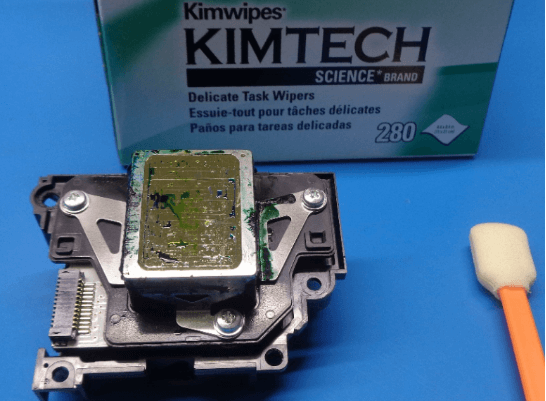
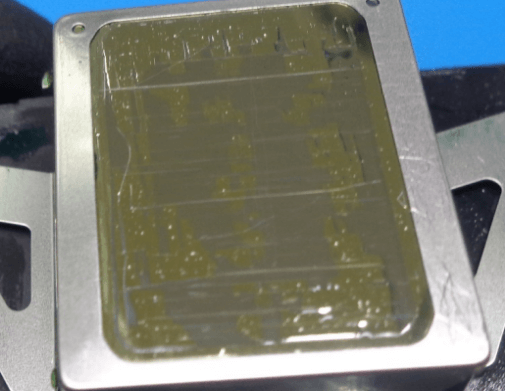
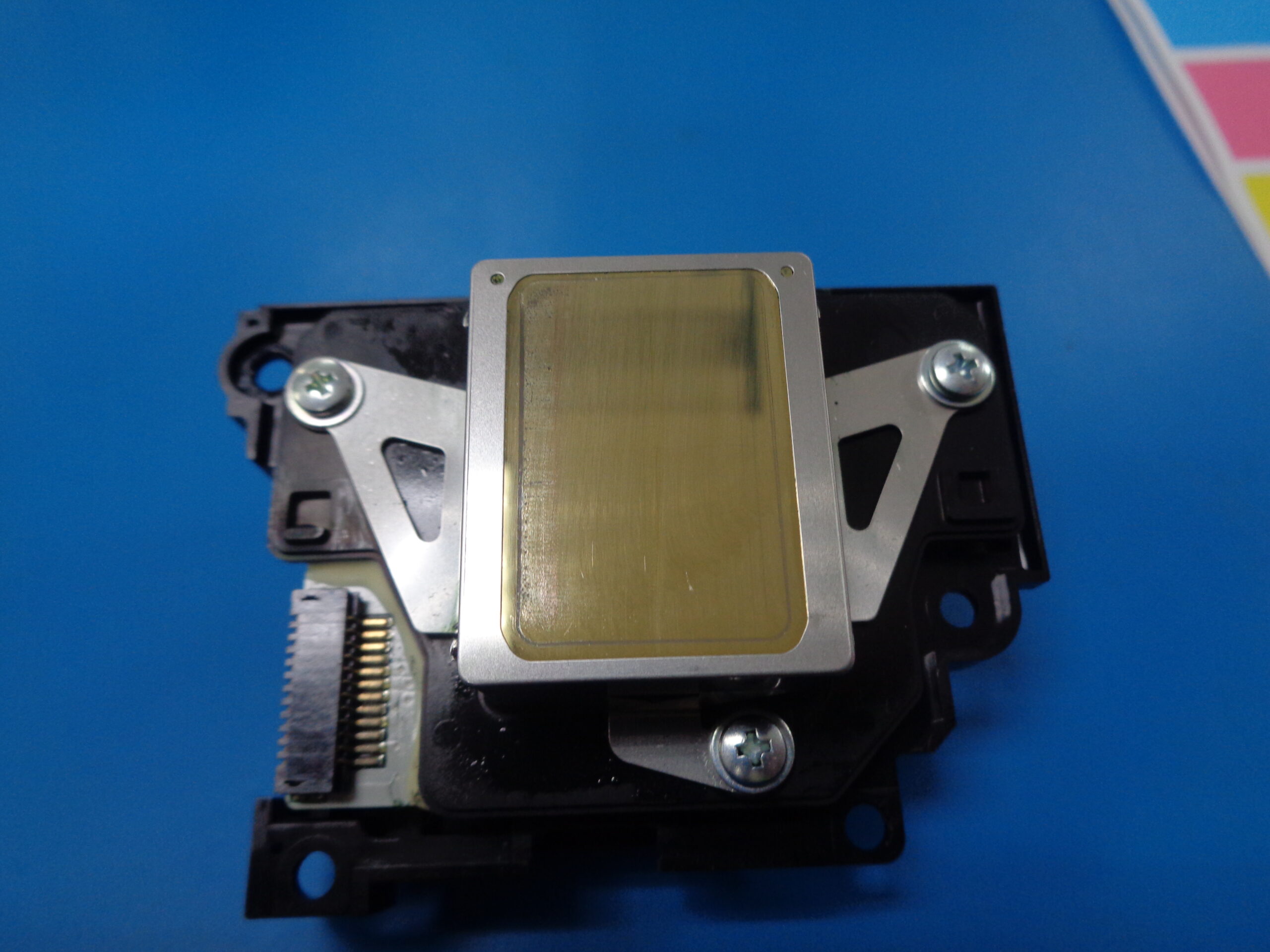
- Be very careful with the gold colored surface. Only use a lint free wipe or foam tipped applicator with cleaner.
- Use a plastic scraper to remove large ink deposits.
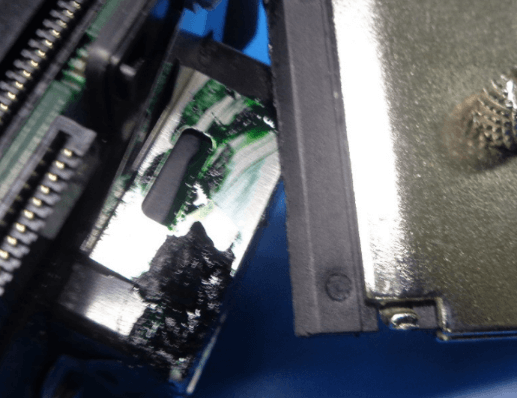
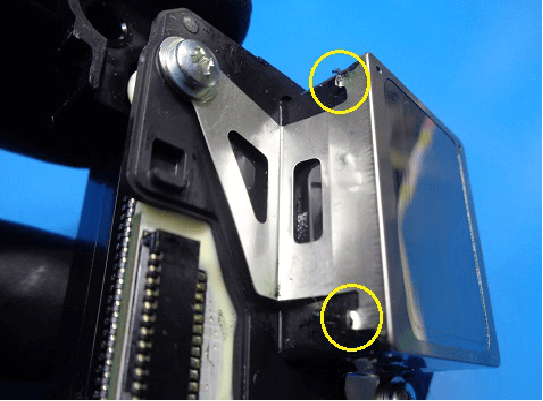
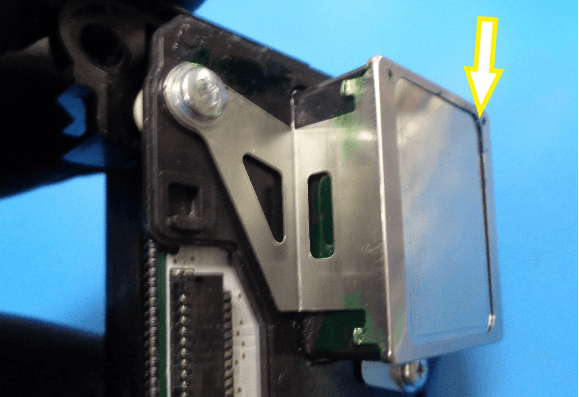
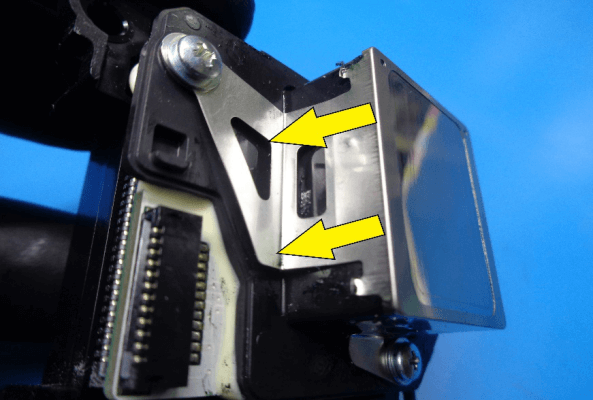
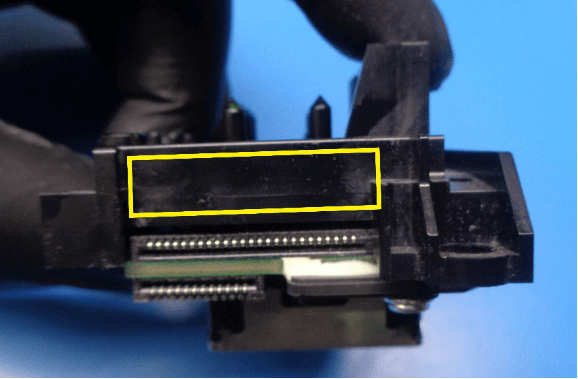
- Be careful not to bend the tabs on the “shield”
- Look for a gap between the print surface and the “shield”. Replace “shields” when gap is present (taken from discarded heads).
- Only wipe away from print surface on sides with tabs. This is to prevent bending the “shield” by accident.
- Wipe away ink deposits and fluids
- Small amounts of color distortion is okay.
Cleaning the input side (top) :
- Wipe away ink and dust
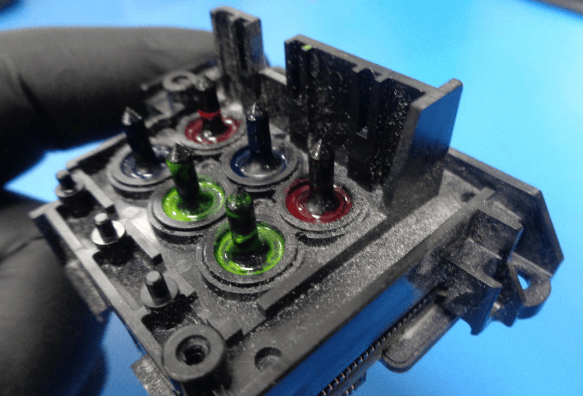
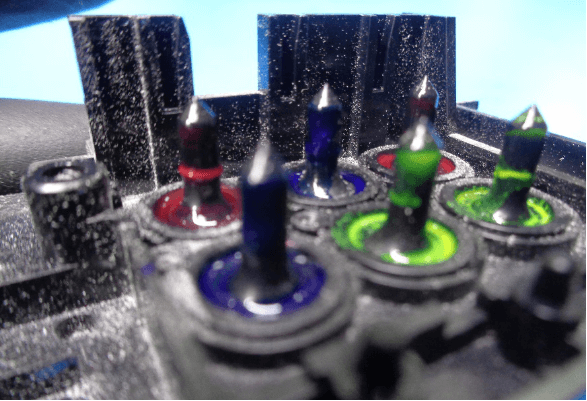
- Scrubbing is ok but be careful with the tips. You don’t want to push dried ink into the head.
- Use a foam tip applicator to clean in tight spaces.
Testing the output:
- Install head into a tester printer
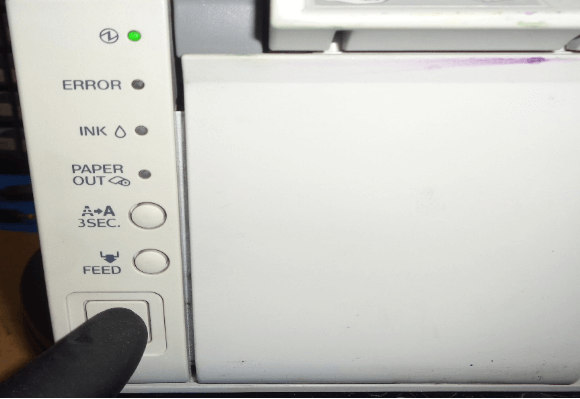
- Power up printer and set initial charge flag
- Reboot printer and allow it to charge heads are discarded.
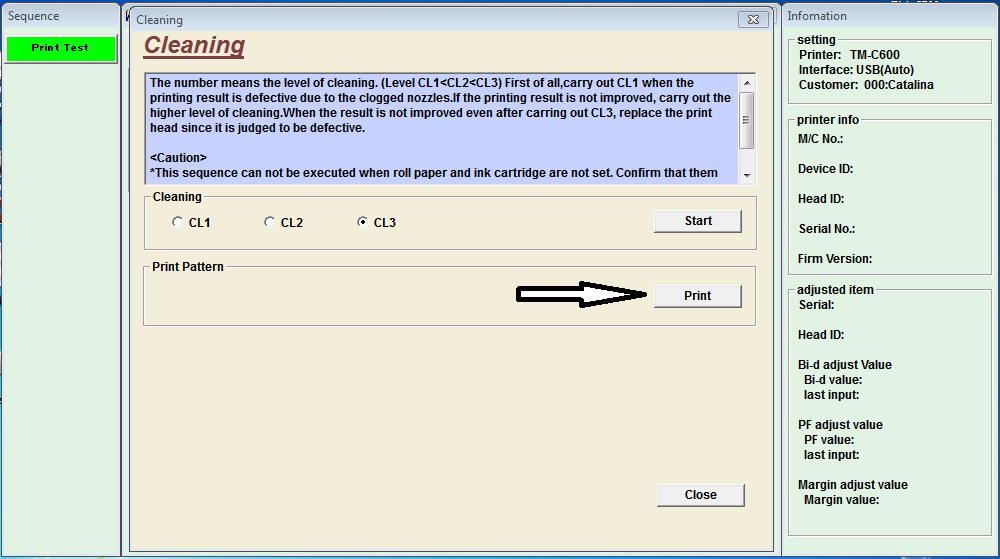
- Print a Nozzle Check
- Refer to the “Reading Prints” tab if you need to know how to judge a print.
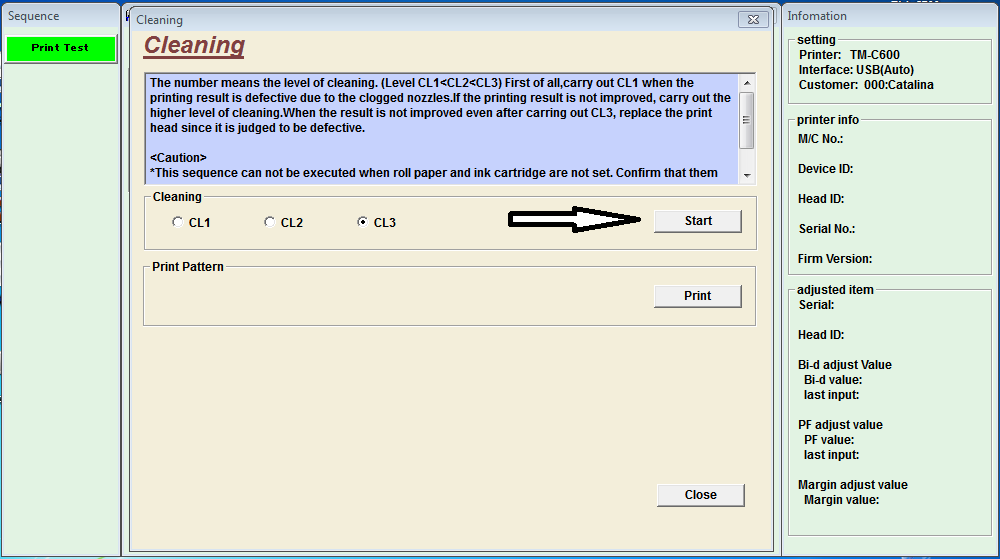
- CL3 if necessary
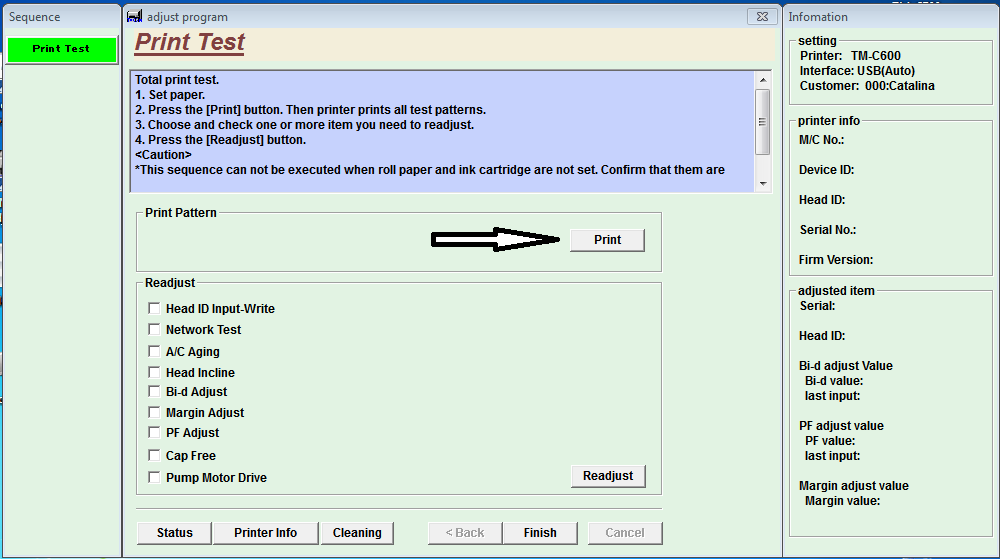
- If you get a good Nozzle Check, print a Print Test (we call it a “Final Print”)
- If the Print Test is good, power down printer and remove the print head.
- Heads that get a good Print Test move to next step, failures are reworked or discarded.
Finishing up :
- In the space near the FPC connector, apply the Serial Number sticker
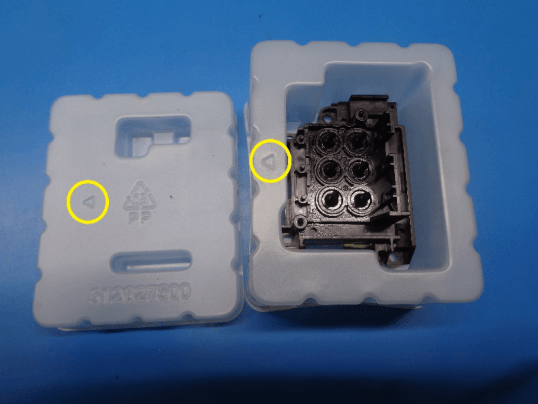
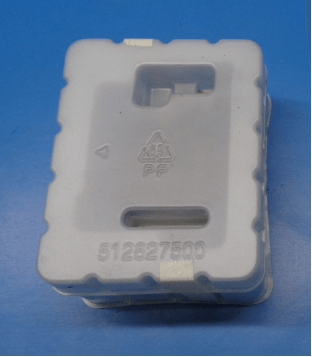
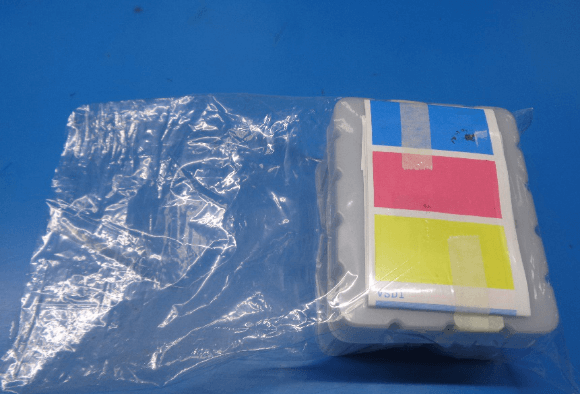
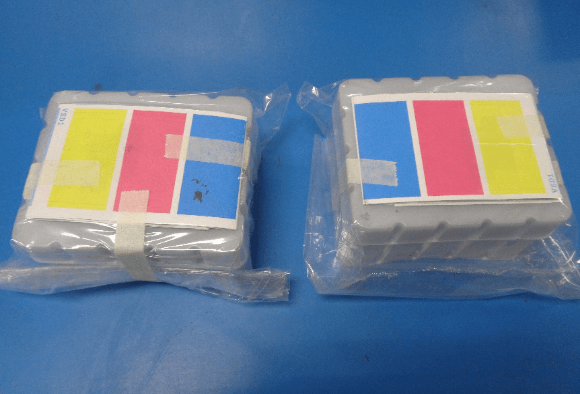
- Put the clean head in an “eggshell” container (the plastic box that was saved earlier) and tape it closed.
- The arrows both point the same direction.
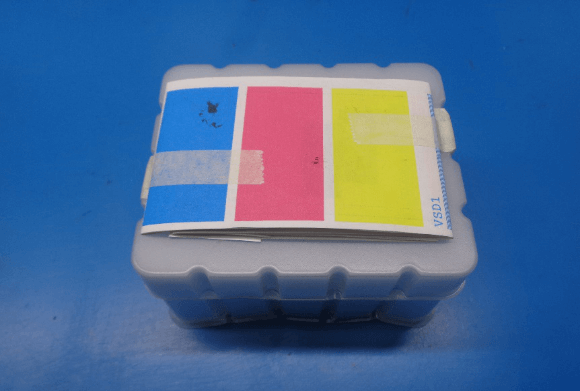
- Fold the prints to have the solid color of the Print test showing and tape to the box.
- Put the “eggshell” in a 6 x 10 inch (15.25 x 25.4 cm) plastic bag.
- Seal the bag. This can be either by folding and taping the bag closed or by heat sealing.
Tips & maintenance
Use extreme caution when handling heads!!!
- Don’t set the print head down on its printing surface. The nozzles are extremely delicate and can easily be damaged
- Never use metal objects to handle the printhead
Soup Warmer Water Level :
- Be sure that there is sufficient water in the soup warmer at the end of each day. Heating a dry pot will damage the warmer. It is also makes for a bad smell
- The water level should be high enough to touch the bottom of the bain, but not so high as to make an empty bain float more than an inch
- Watch the good water level video
- Watch the too much water level video
Filtering the CR02 :
- A single cup coffee or tea maker is excellent for both pre-heating the cleaning fluid and to run it through a fine filter. Small particles in the fluid can clog the nozzles of the print head. Therefore, it needs to be filtered prior to being used for flushing
DO NOT USE THIS MACHINE FOR MAKING DRINKS!!!
- When one bottle is emptied, the next is used and the empty replaced. A rotation is used so there is always a supply of warm fluid
- Four 16oz glass bottles fit loosely into the soup warmer bain
- Some heads need just a little more cleaning power than CR02 can provide. Windex (with ammonia) can help break up some of the more stubborn ink clogs
- Windex is NOT heated with the coffee maker but it is filtered
Clean and lubricate the rig :
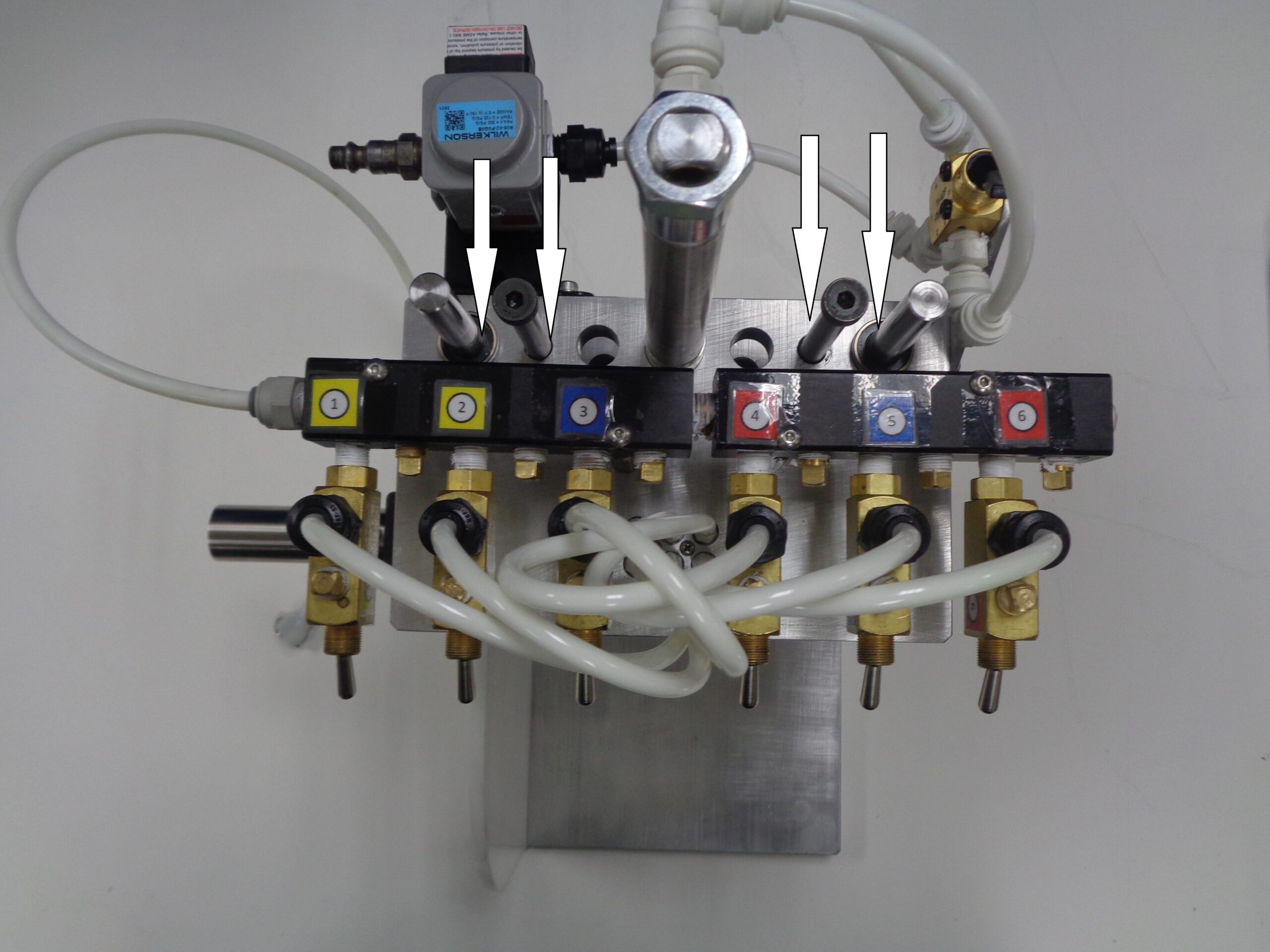
- The shafts of the flushing rig should be cleaned and lubricated regularly
- Soap and water will remove ink and a couple drops of machine oil on each shaft (white arrows) once a week will keep the plates moving smoothly
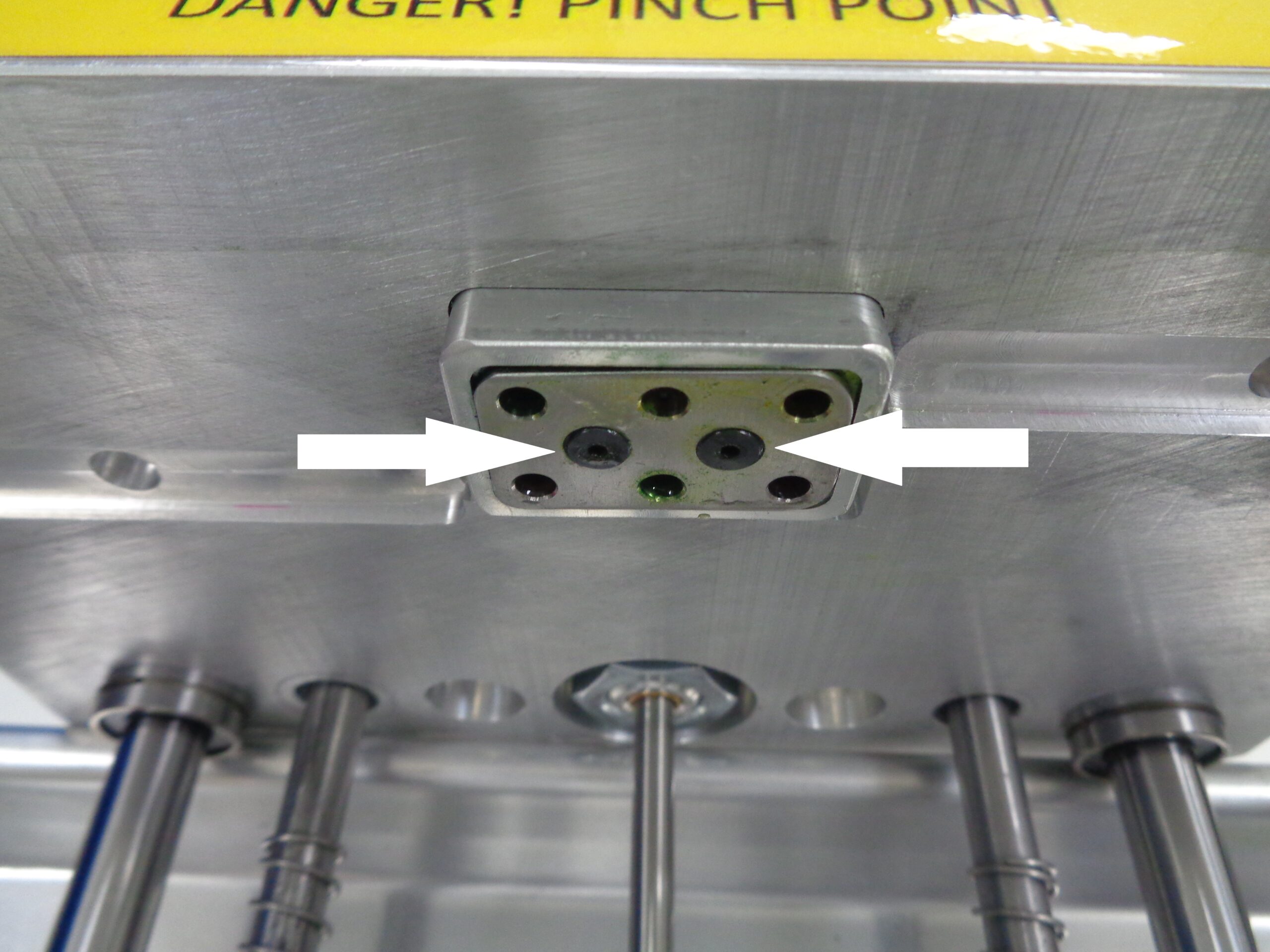
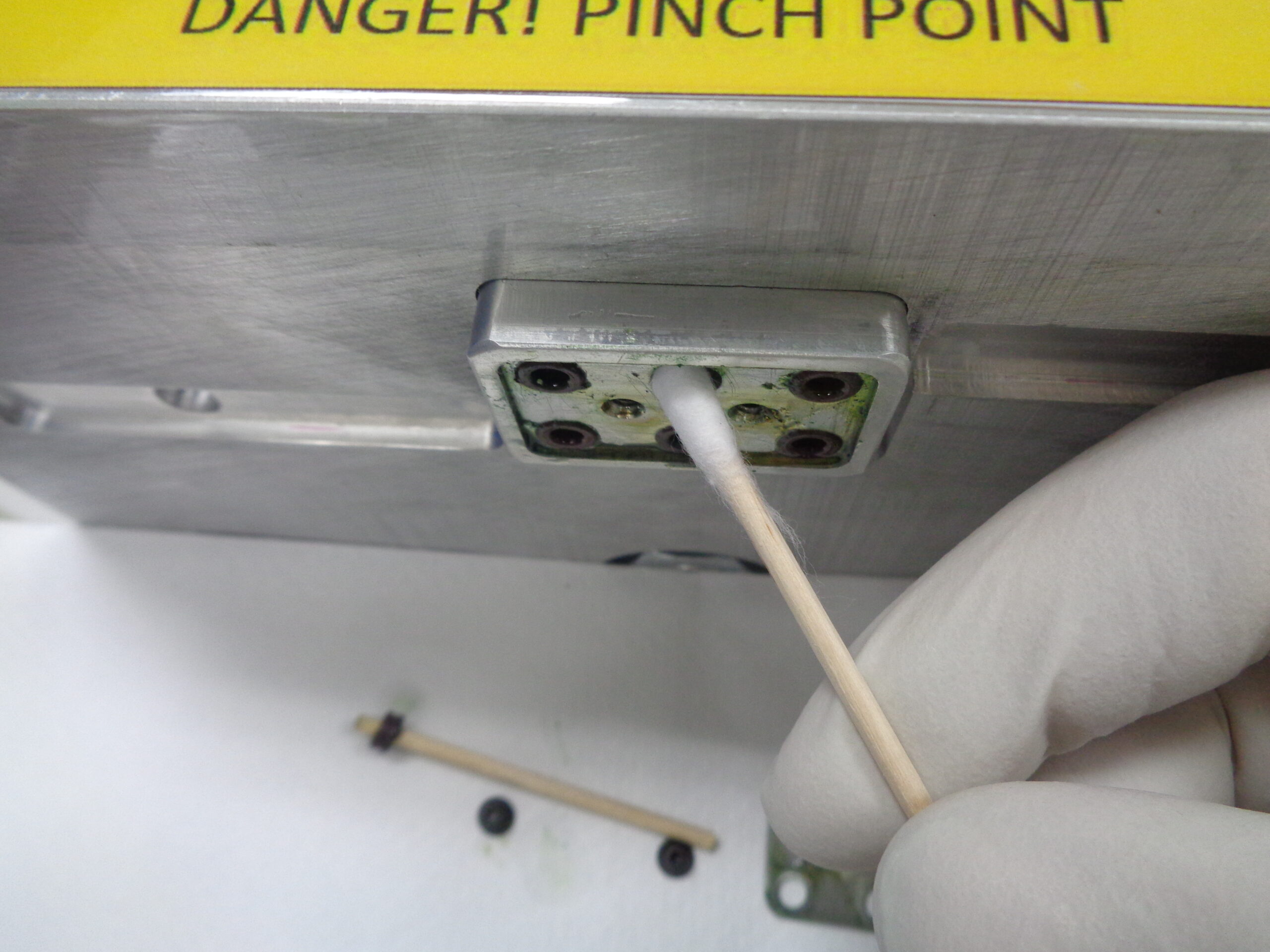
- The o-rings creating the seal between the printhead and the top plate should be cleaned every few weeks
- Remove the 2 allen screws to access the 0-rings
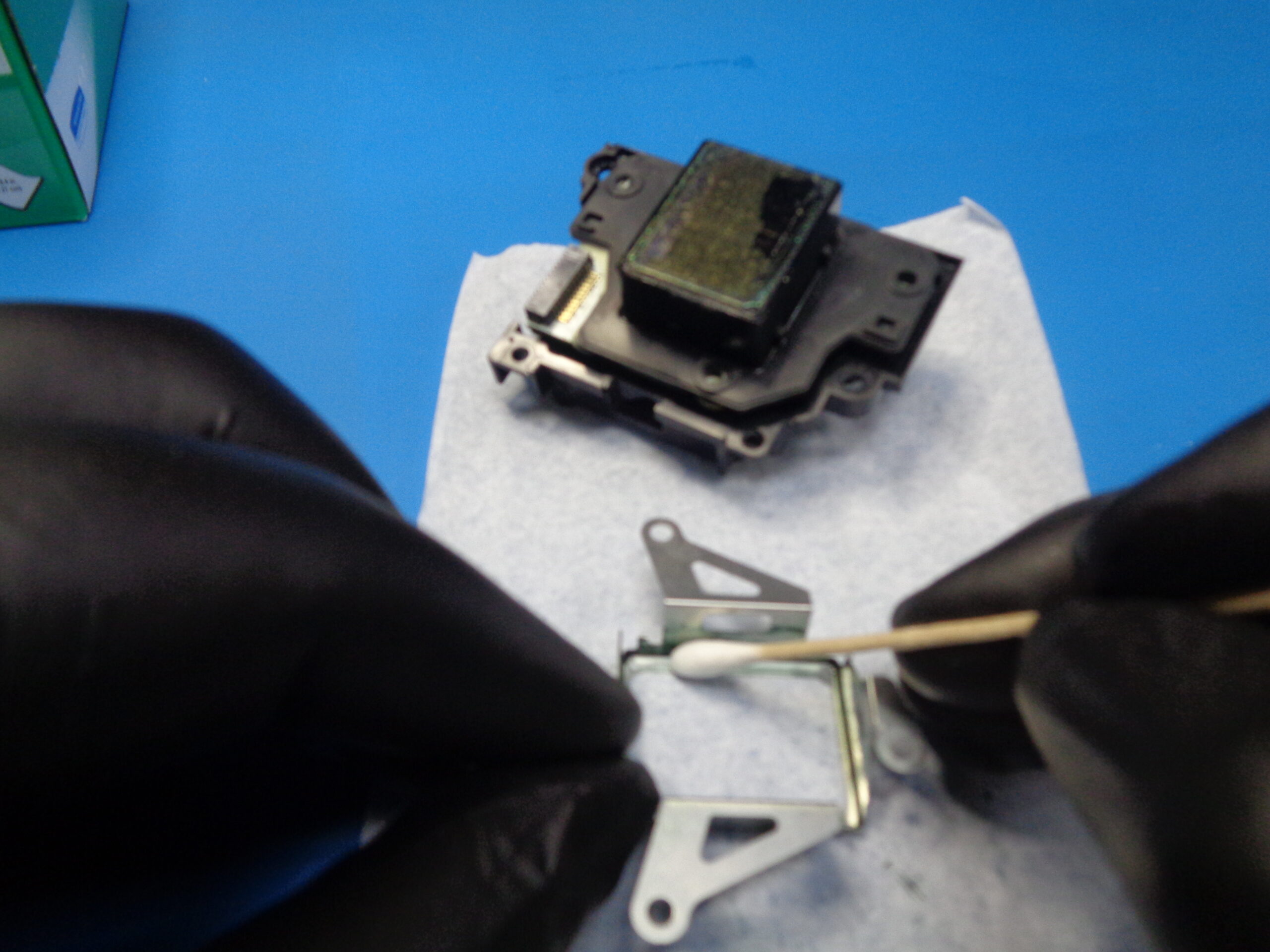
- Use a cotton tip applicator to clean surface where o-rings sits
Clean and lubricate the peristaltic pump :
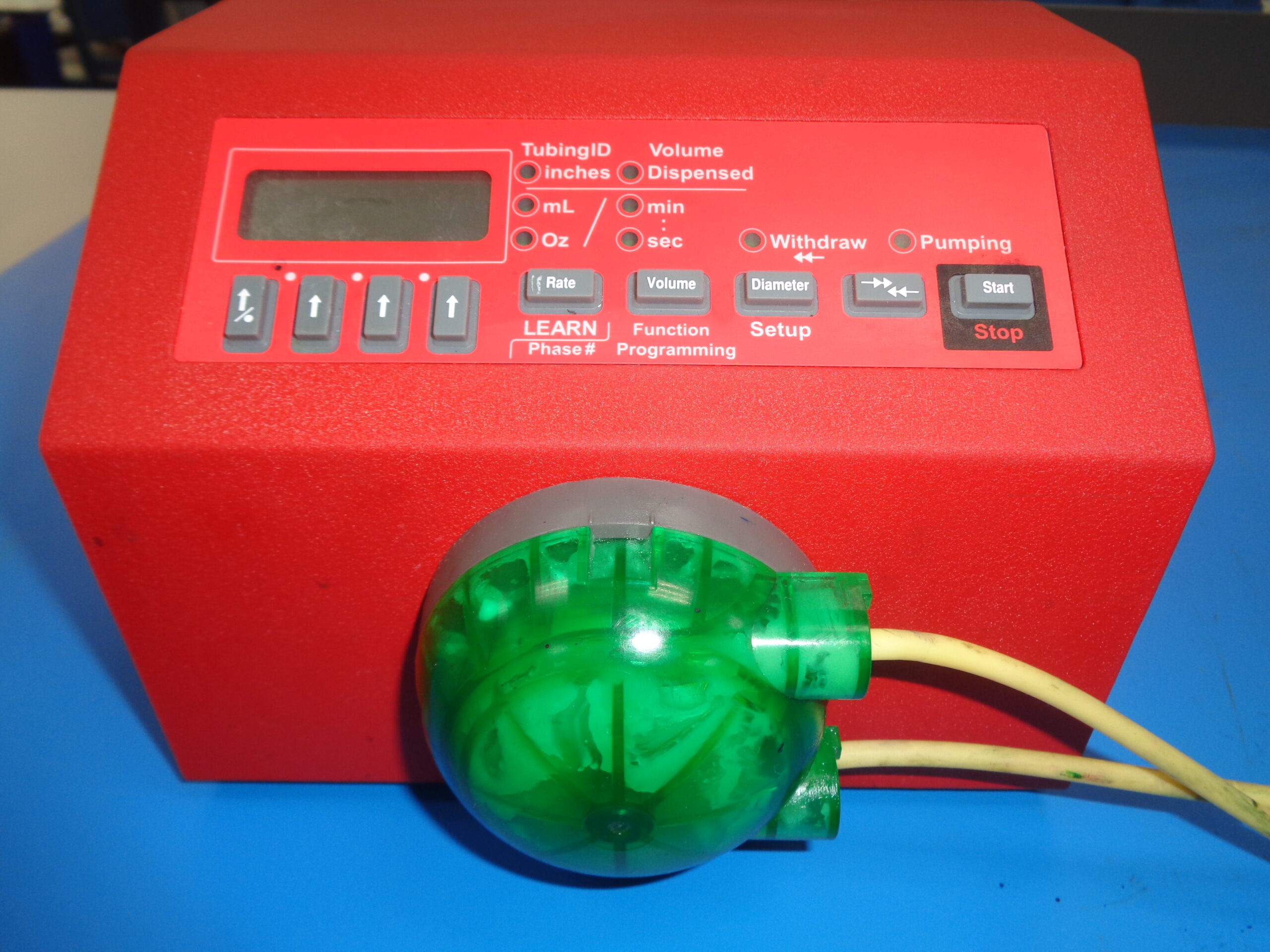
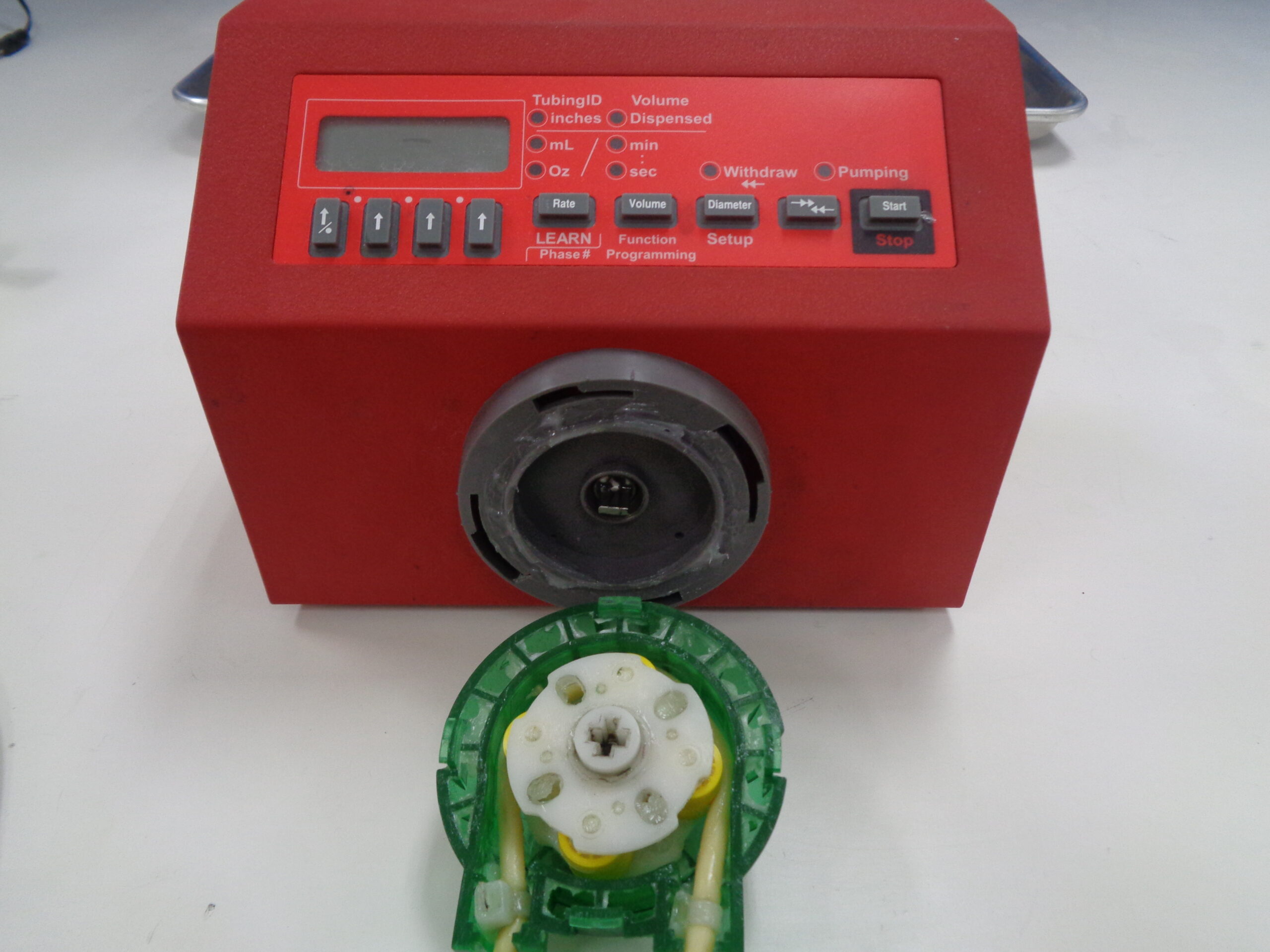
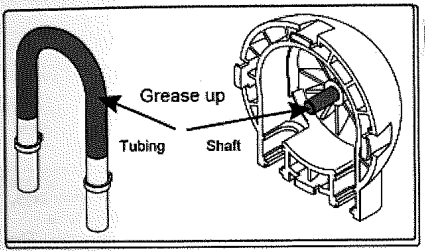
- The green cassette should be removed at least once a month for cleaning and lubrication
- Watch the
- The section of tubing inside the pump’s head should be removed/replaced periodically. Fresh grease should be applied at this time
Replacing the metal shield :
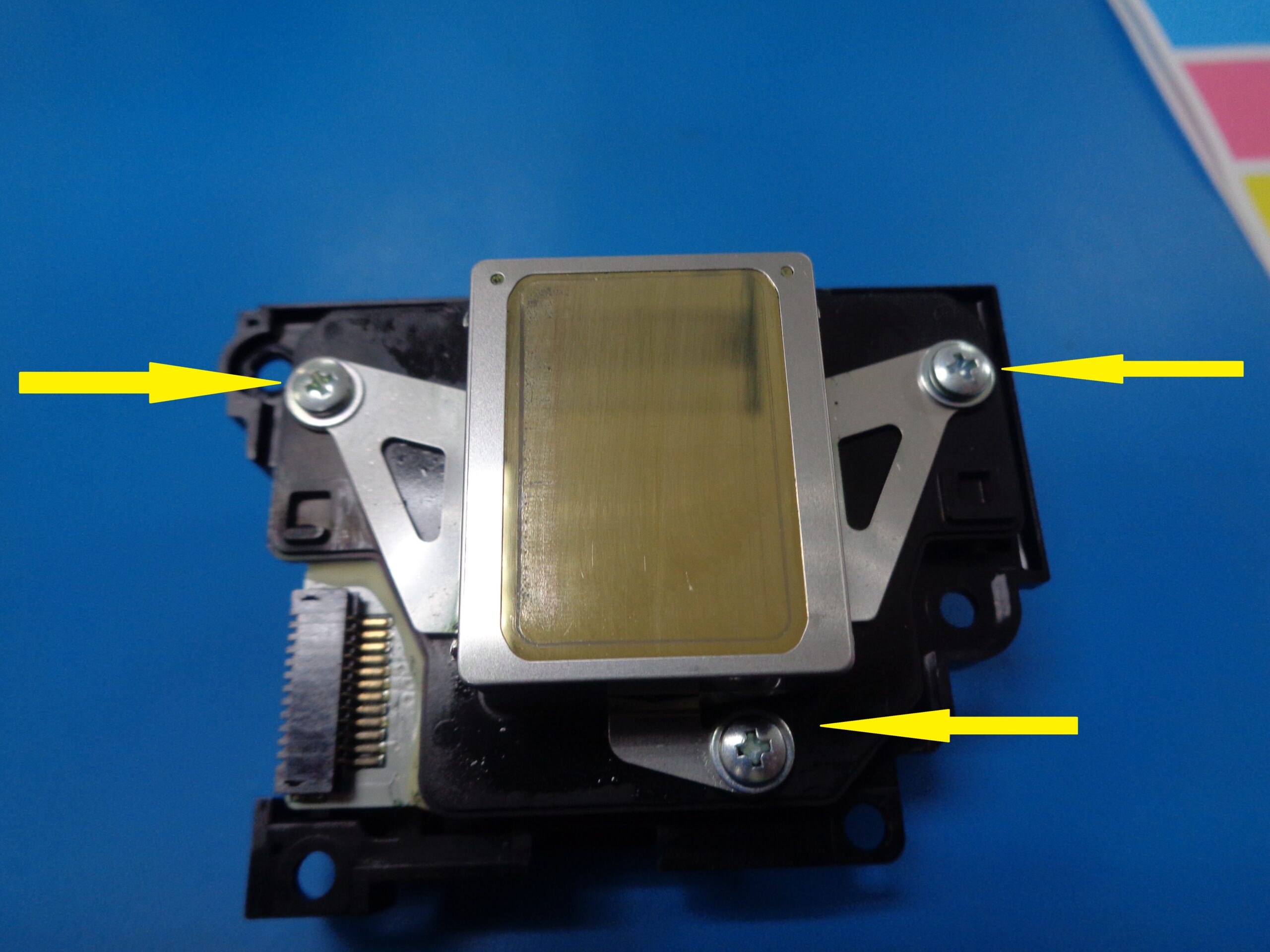
- Carefully remove the 3 screws using a #1 Phillips screwdriver
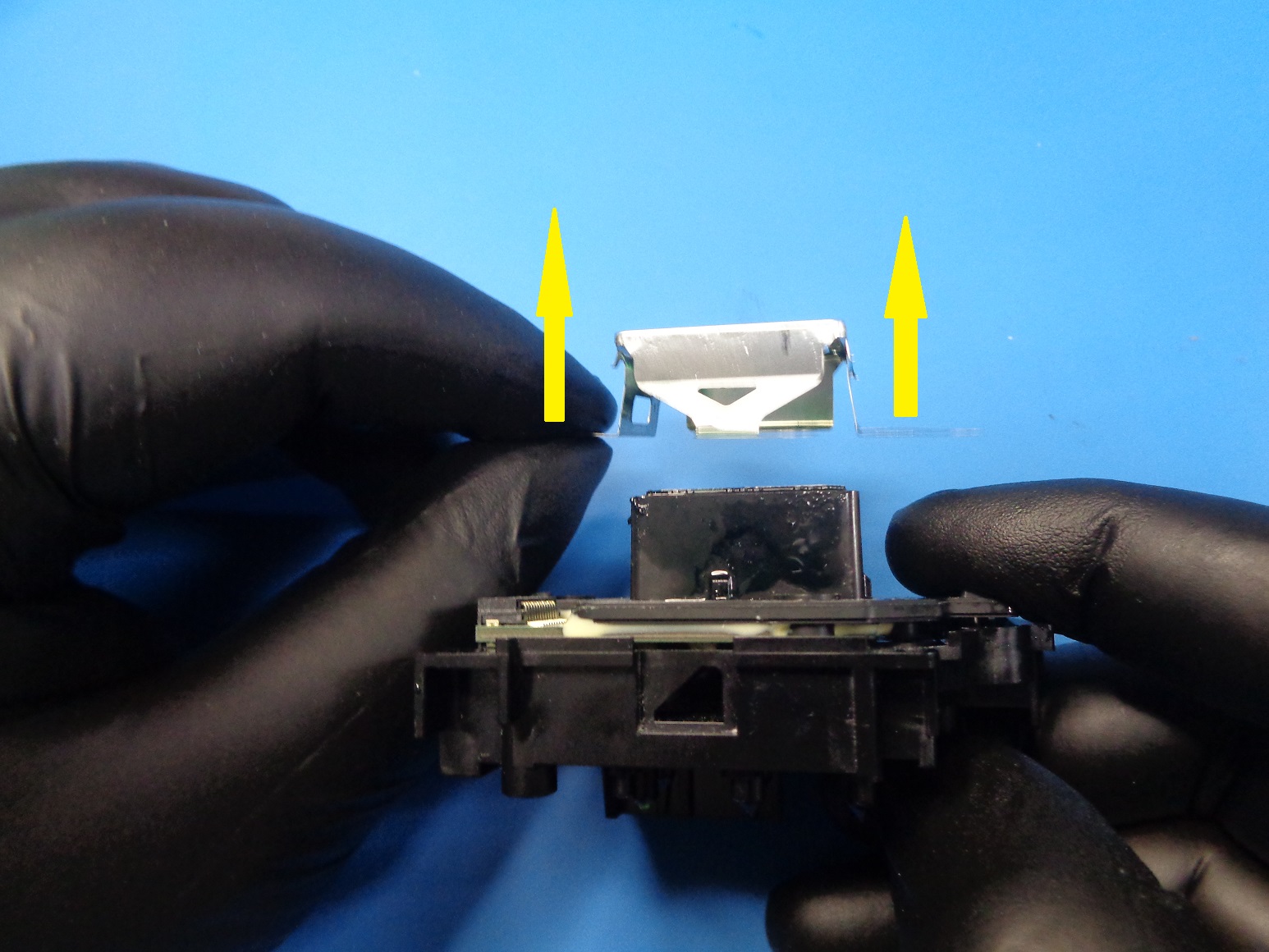
- Lift the shield straight up to remove
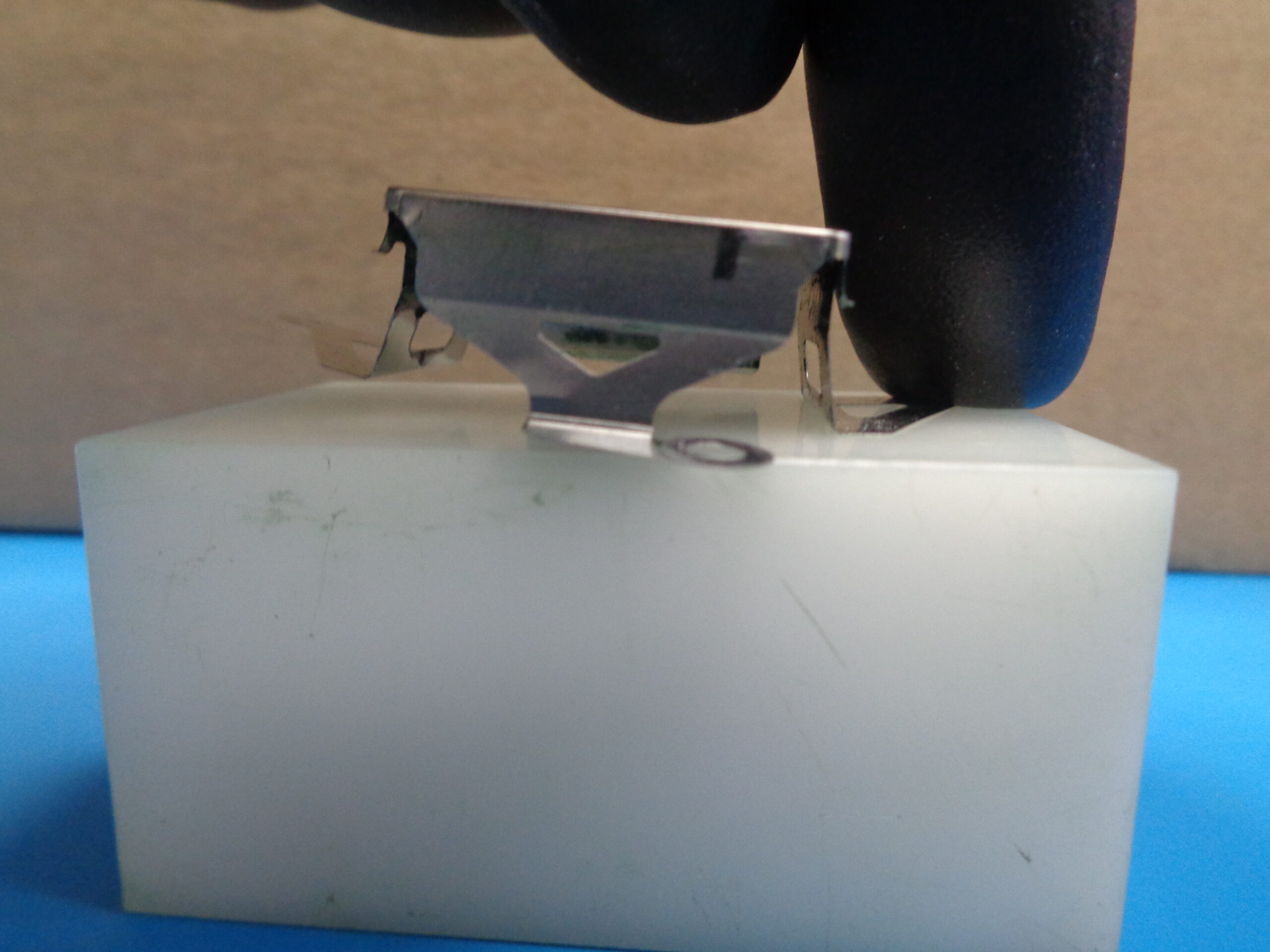
- Notice the angle of the shield when one side is pressed against a flat surface. The sides are NOT perpendicular to the top or bottom
- To clean the inside of the shield, put it on a stable surface and use a cotton tipped applicator and CR02
- Clean the area previously covered by the shield with a lint-free cloth and CR02
- To clean the outside of the shield, leave it mounted on the print head and wipe down with a lint-free wipe and CR02
Tracking Yields
Pre-Refurbish Setup :
- Heads are counted on the output side of the process.
- Heads that could not be recovered are discarded.
- A simple spreadsheet can assist in keeping track of yield.
| Pass | Fail | Percentage (result) | Percentage (Formula) | |
| 03-May | 37 | 18 | 67.27 | =C6/(C6+D6)*100 |
| 04-May | 41 | 20 | 67.21 | =C7/(C7+D7)*100 |
| 05-May | 35 | 25 | 58.33 | =C8/(C8+D8)*100 |
| 06-May | 40 | 22 | 64.52 | =C9/(C9+D9)*100 |
| 07-May | 40 | 20 | 66.67 | =C10/(C10+D10)*100 |
| Total | 193 | 105 | 64.77 | =C11/(C11+D11)*100 |
Identifying nozzles
Input Nozzles :
- With the PHID sticker on the right and the little wall closer to you, the input nozzles are numbered 1-6
←
Output Nozzles :
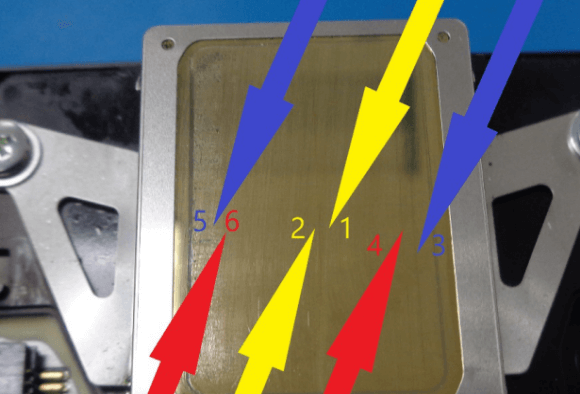
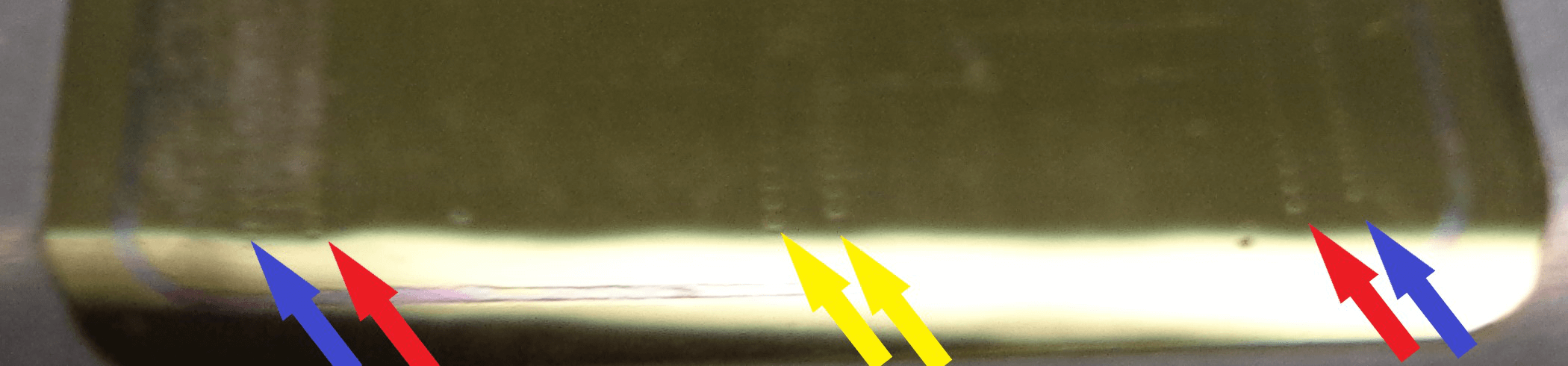
- It is very difficult to get the output nozzles to show up in a picture. You need to have good light and just the right angle and you can see the tiny holes in the bottom.
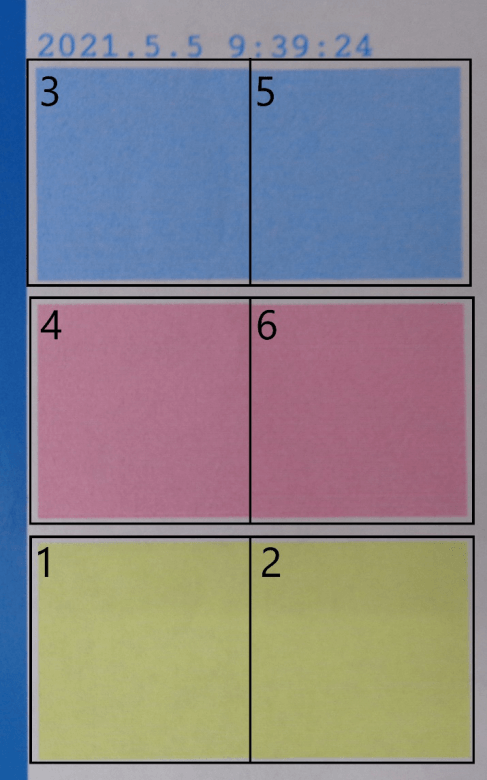
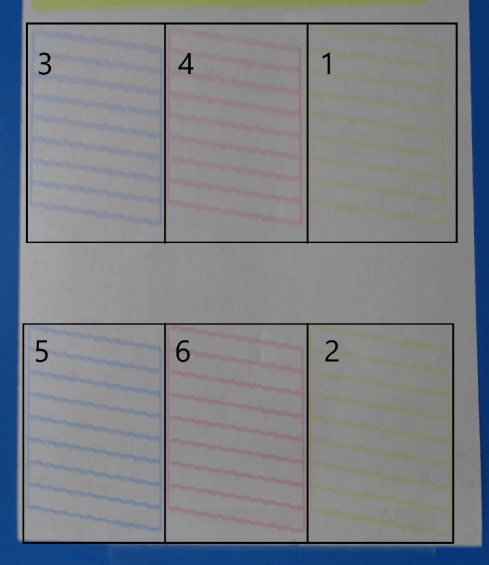
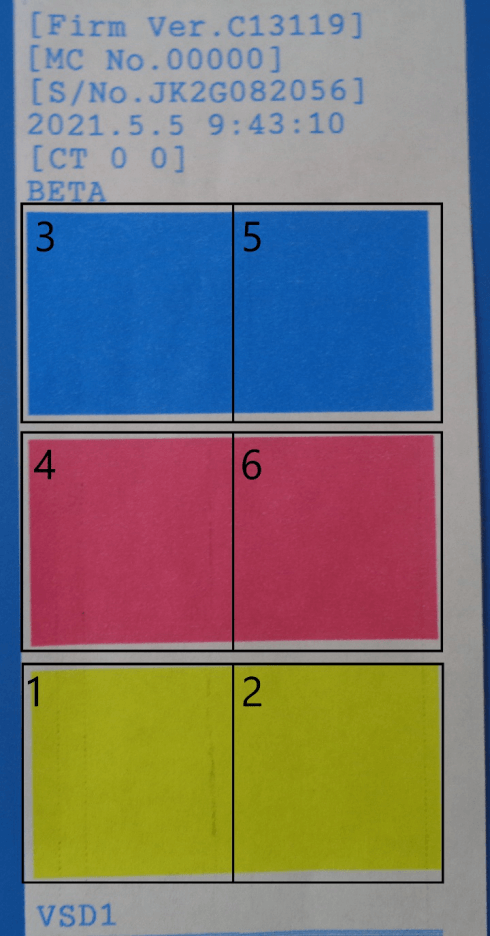
Nozzle locations on printouts :
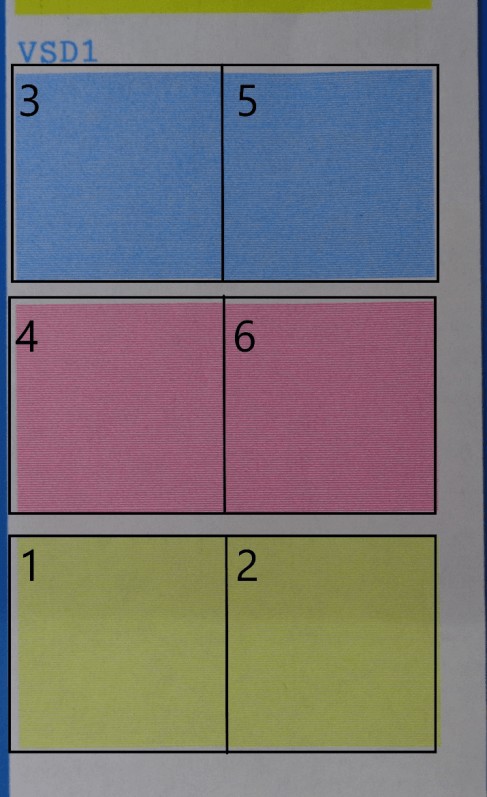
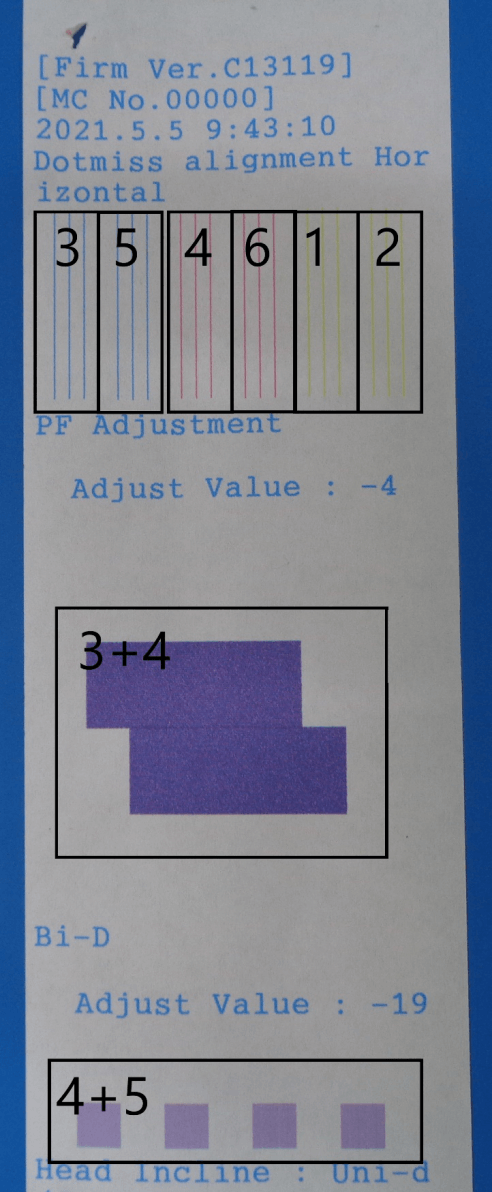
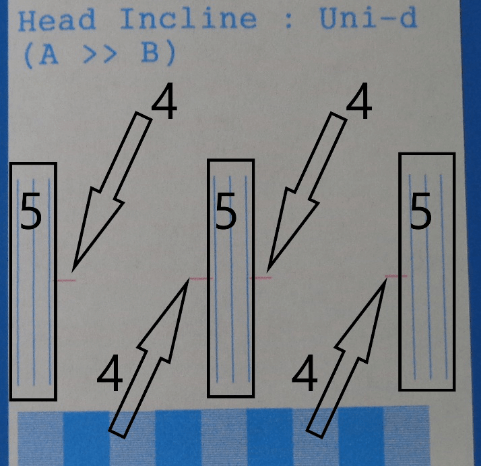
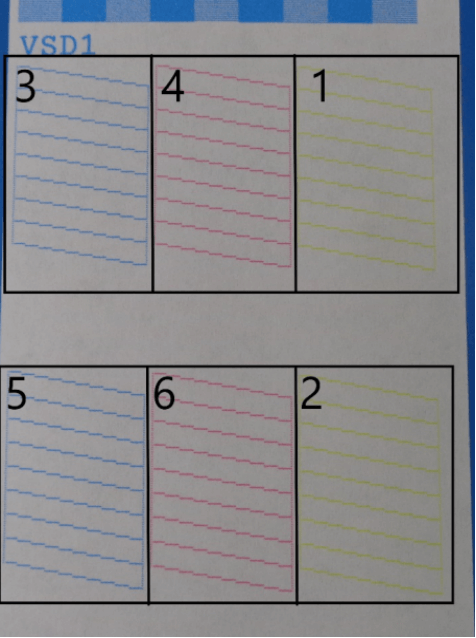
Nozzle Check | Final Print
Page 1
Page 1
Page 2
Page 2 (cont.)
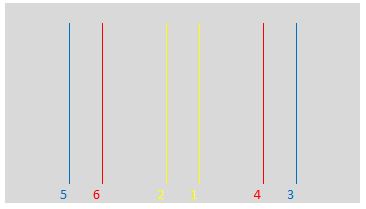
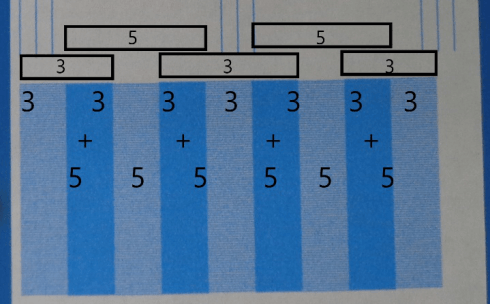
- The darker parts of this pattern are when both nozzles 3 and 5 are used.
- The lighter parts are when only a single nozzle, either 3 or 5 is used.